
How to Onboard a New Candidate via HR Command
Learn how to efficiently add a new team member and send them a self-onboarding link through the HR Command platform. This guide simplifies the process of collecting essential tax, banking, and document information from new hires.
1. Navigate to secure.hrcommand.com.au
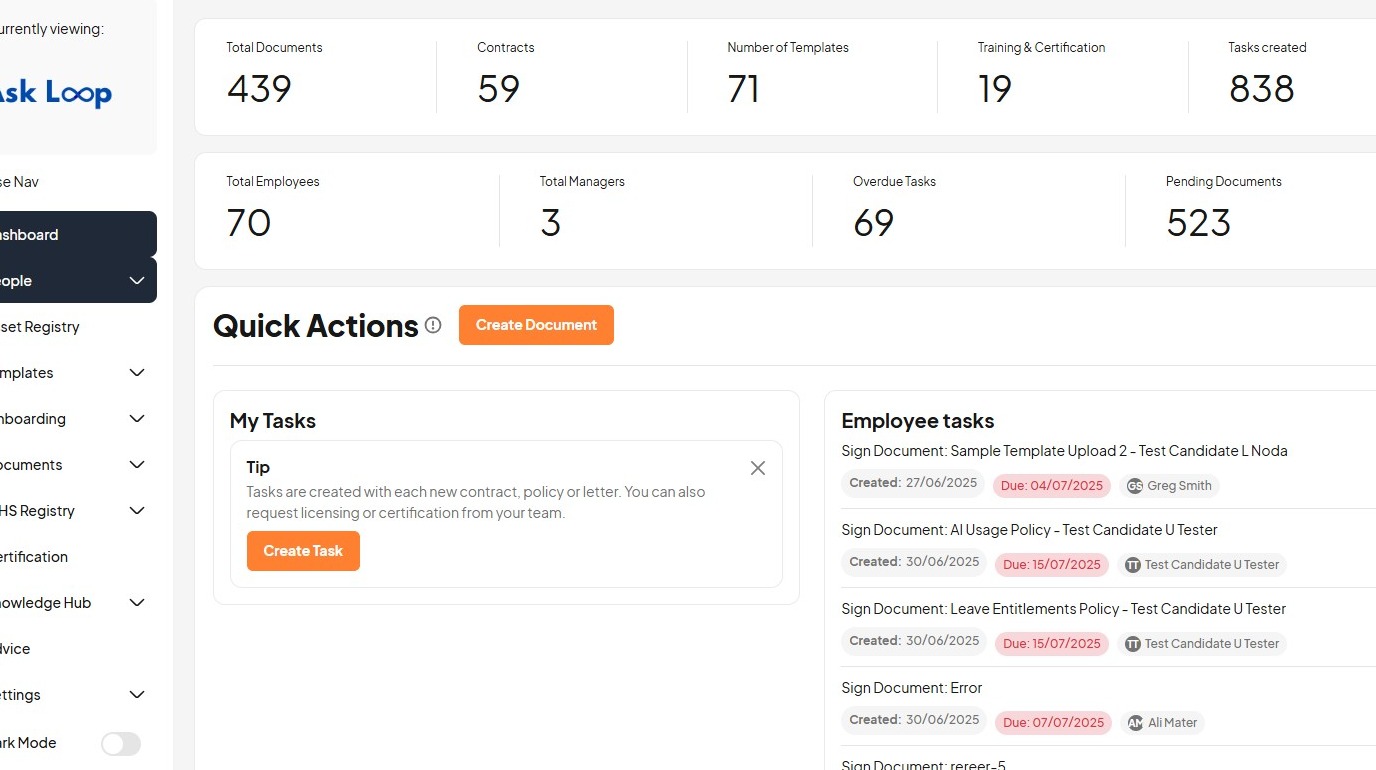
2. Click "People"
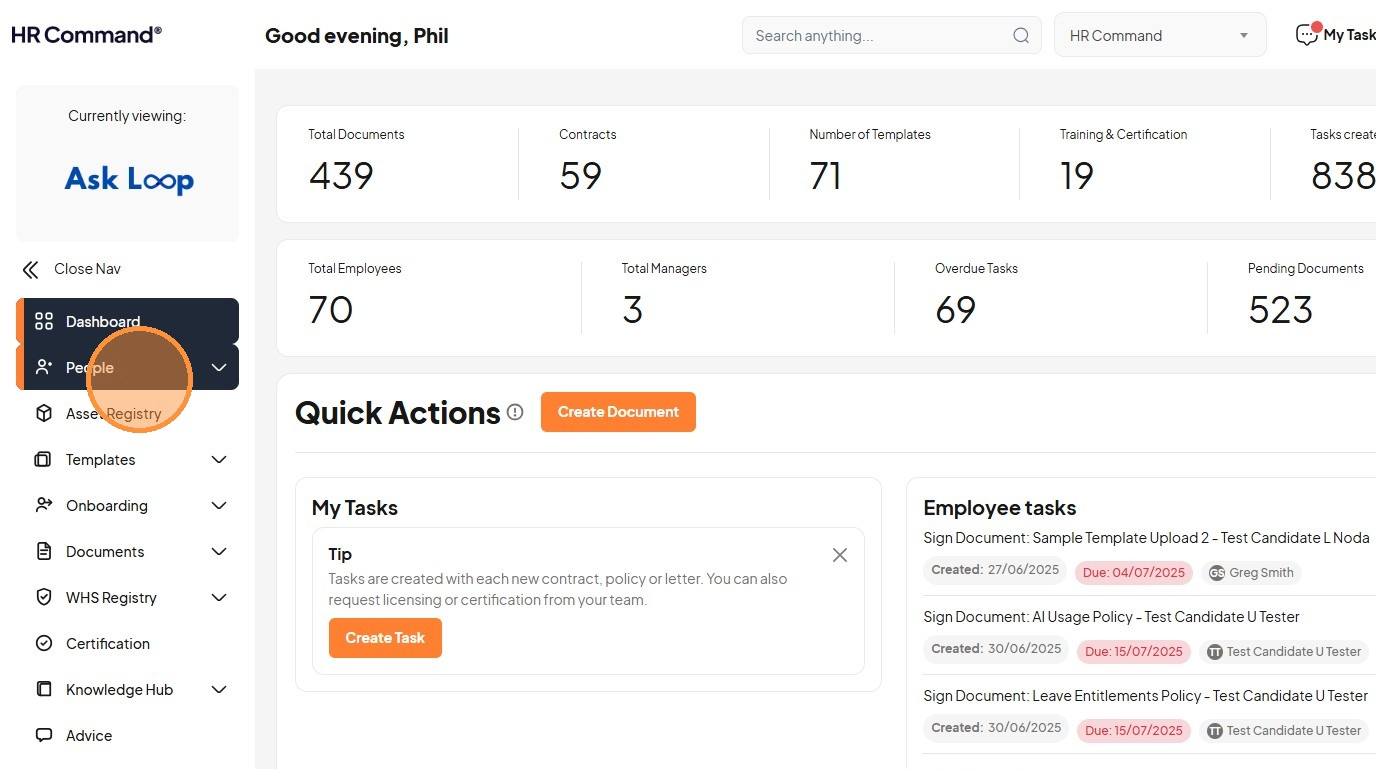
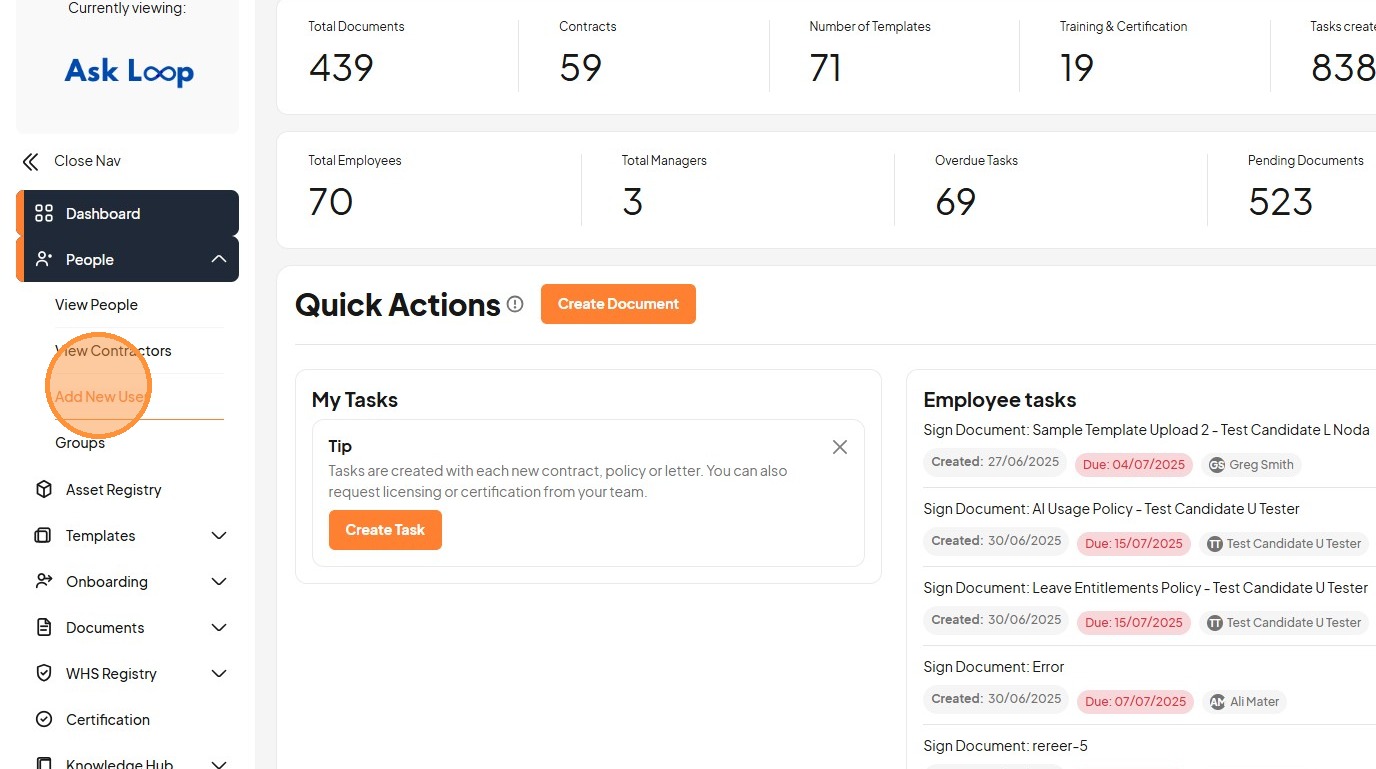
3. Click "Add New User"
4. Click the "A New Candidate" field.
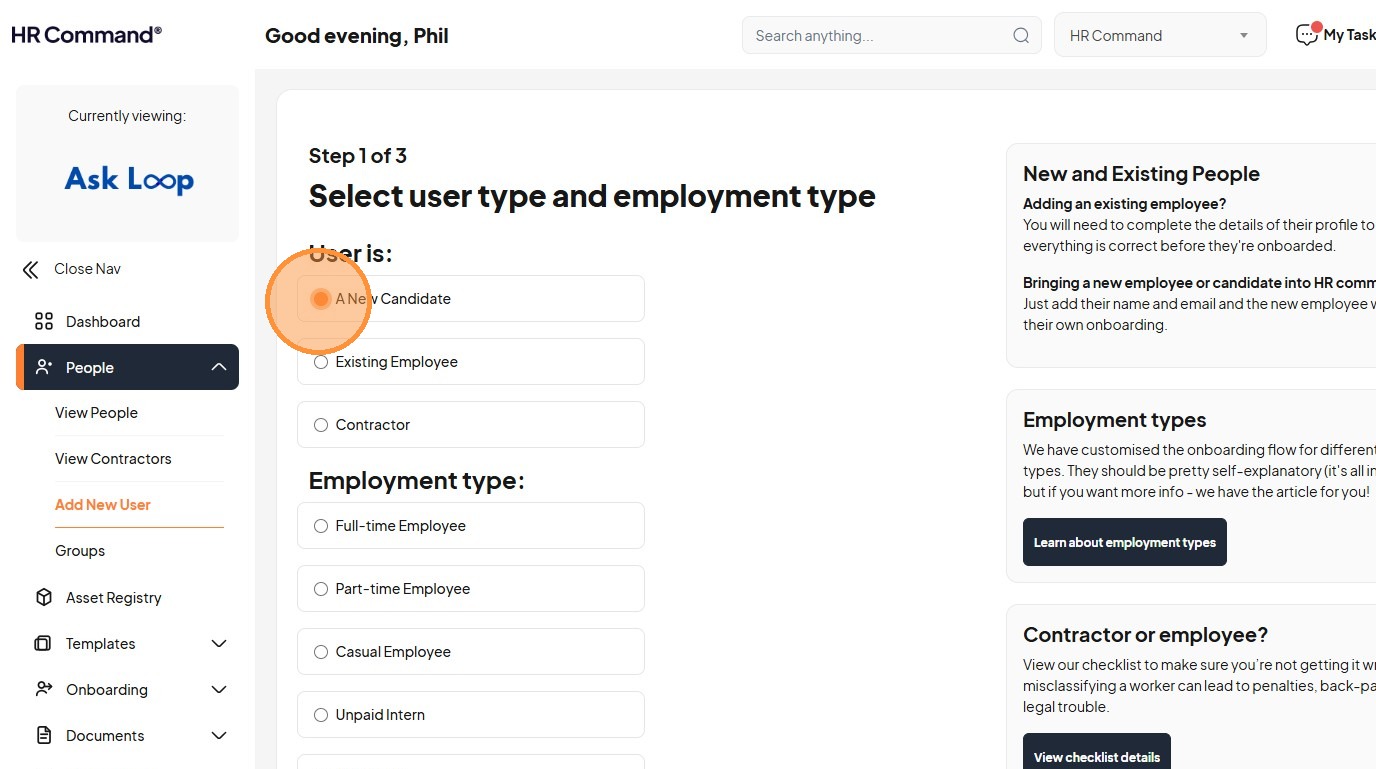
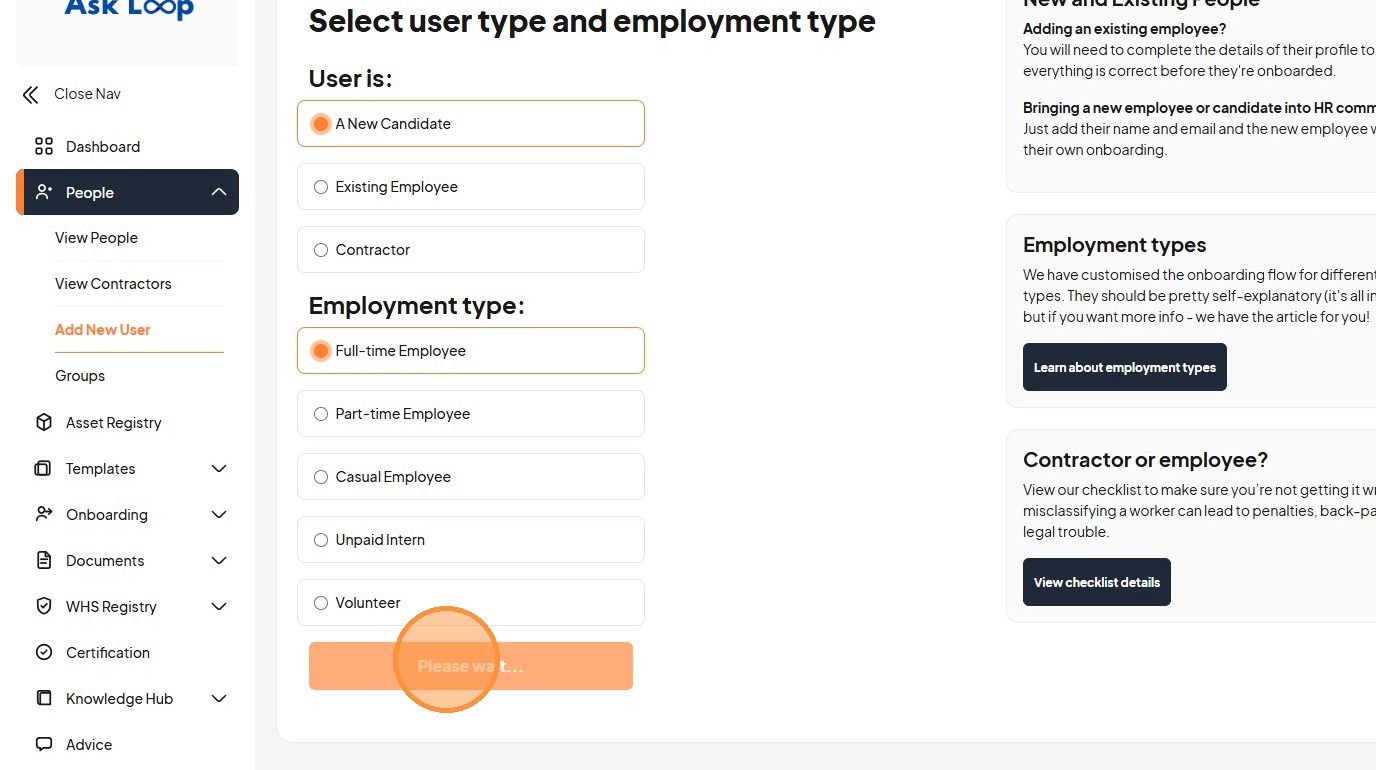
5. Click the "Full-time Employee" field.
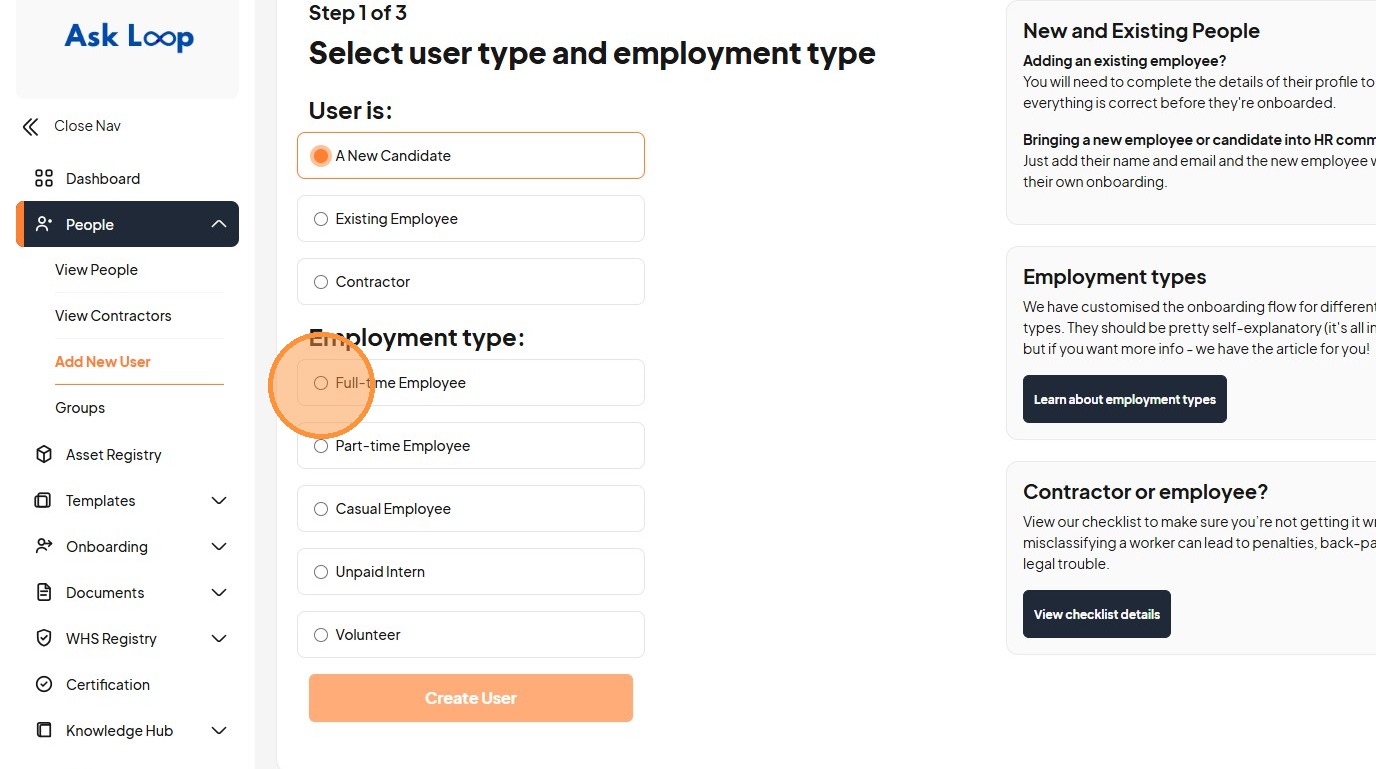
6. Click "Please wait..."
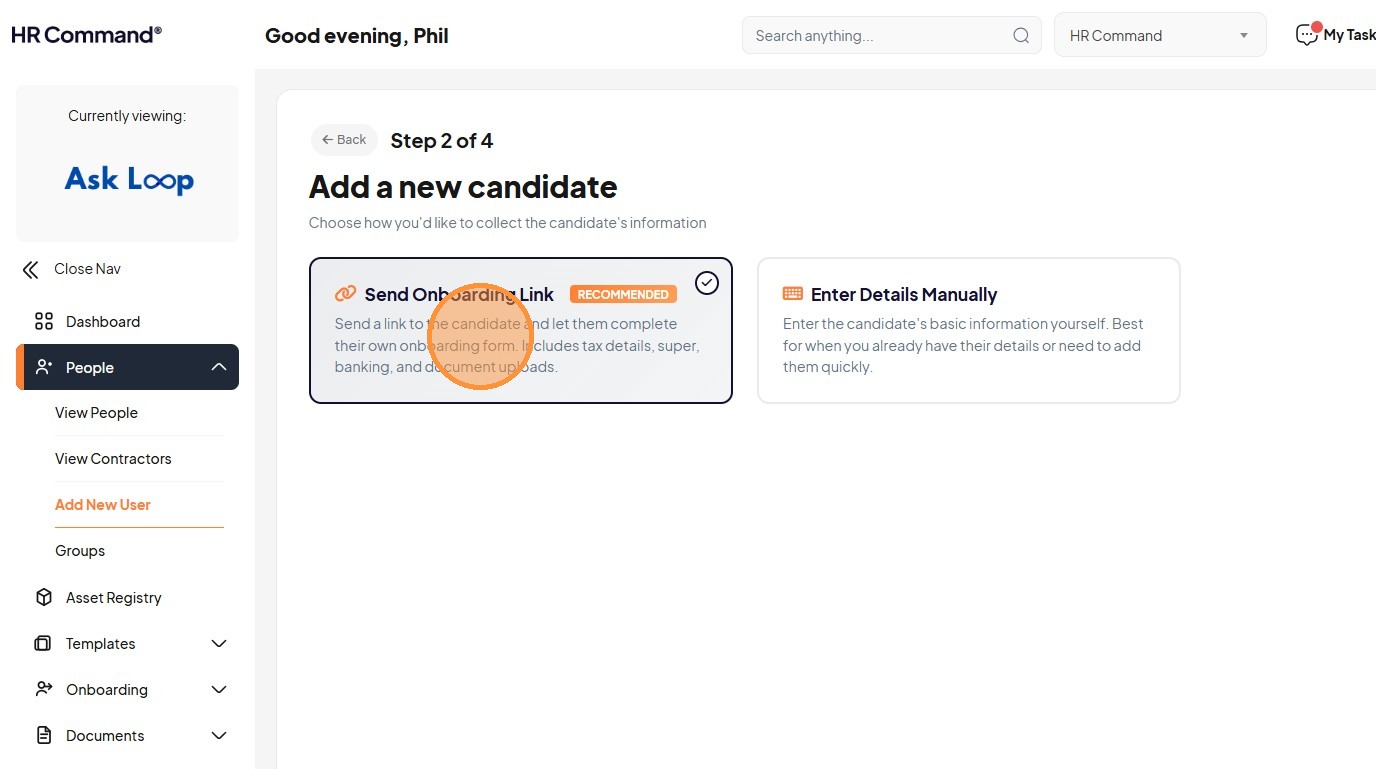
7. Click "Send a link to the candidate and let them complete their own onboarding form. Includes tax details, super, banking, and document uploads."
8. Click the "First Name *" field.
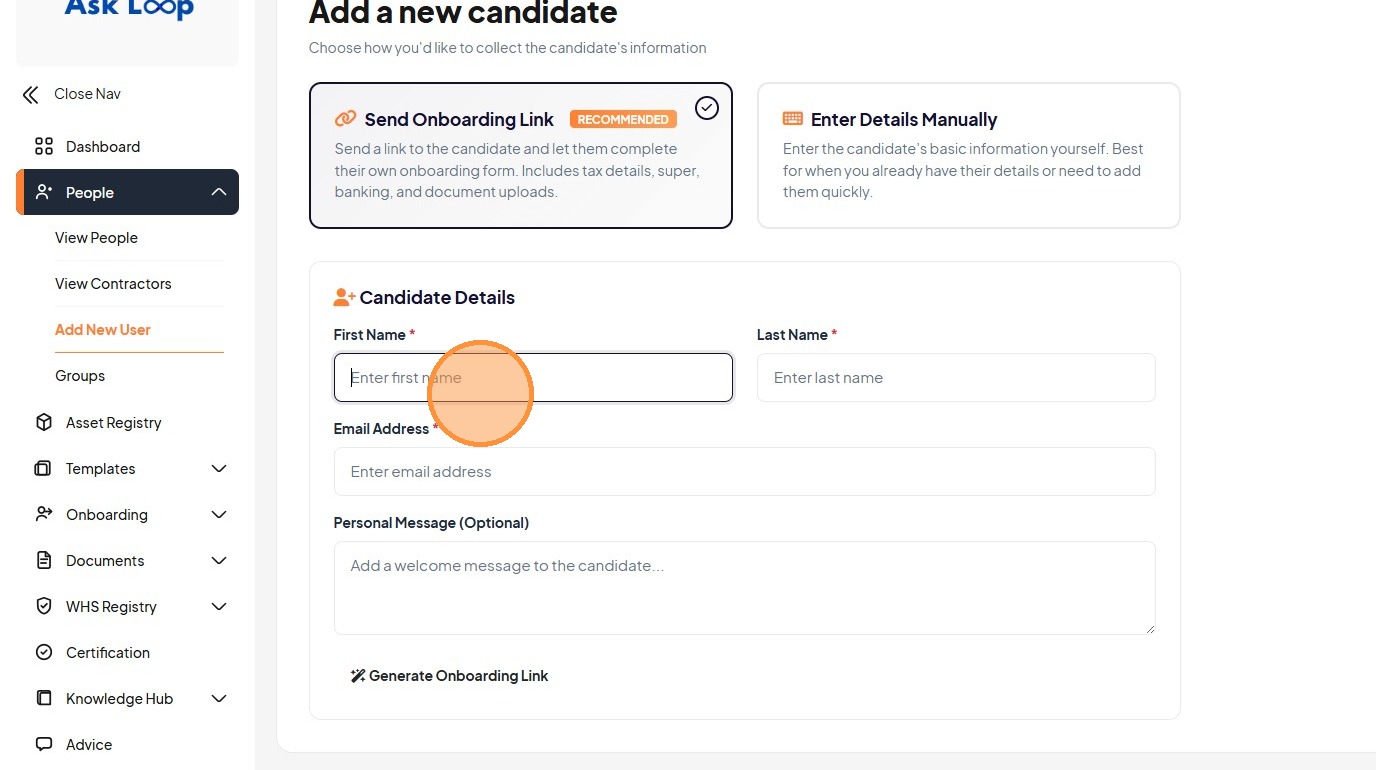
9. Click the "Personal Message (Optional)" field.
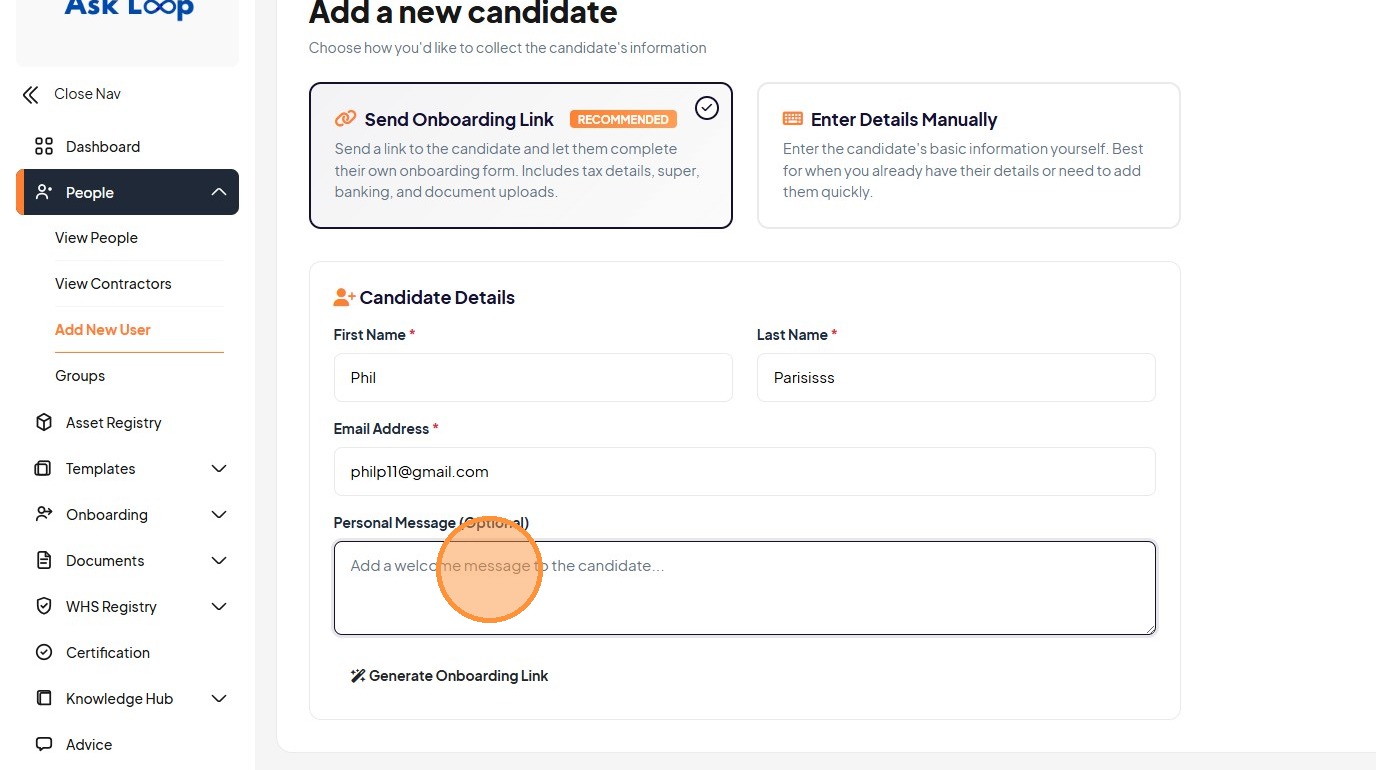
10. Type "hr"
11. Click the "Email Address *" field.
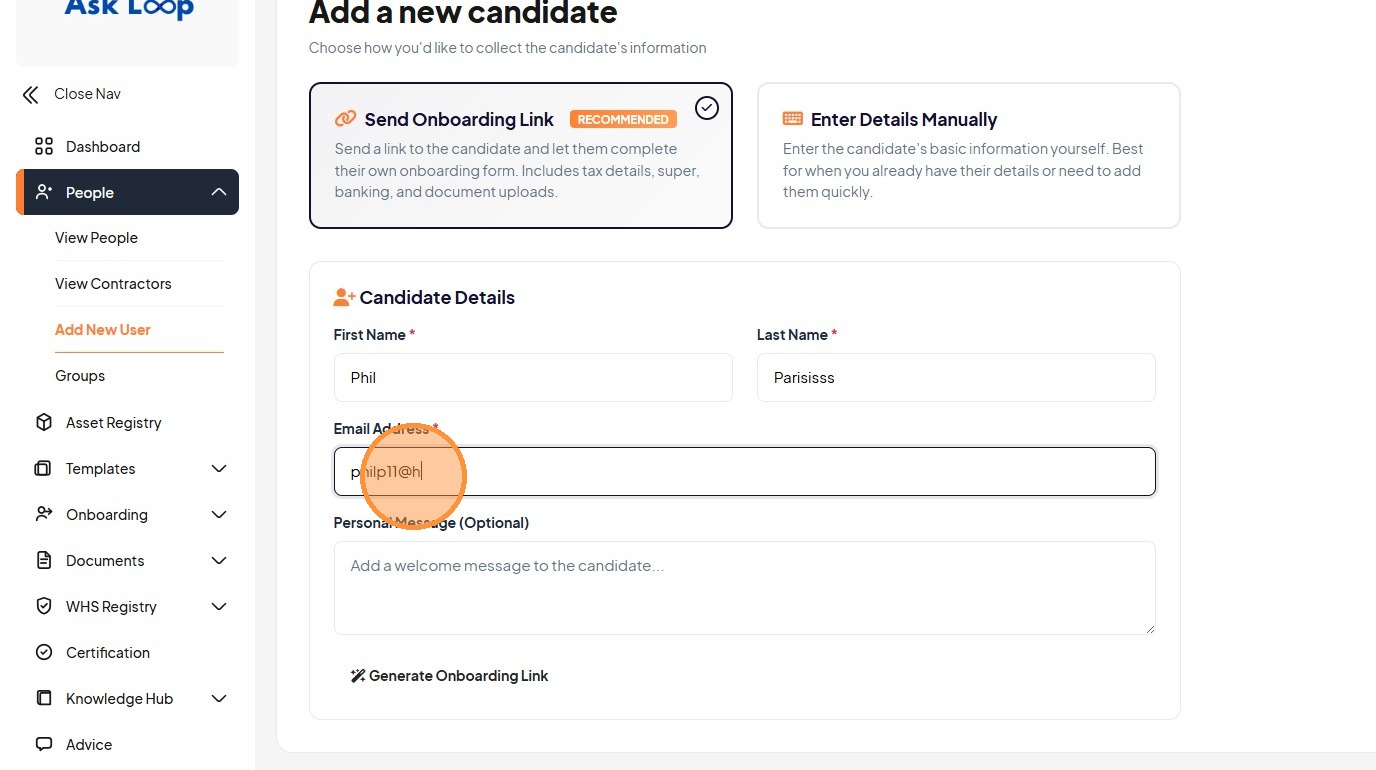
12. Click the "Personal Message (Optional)" field.
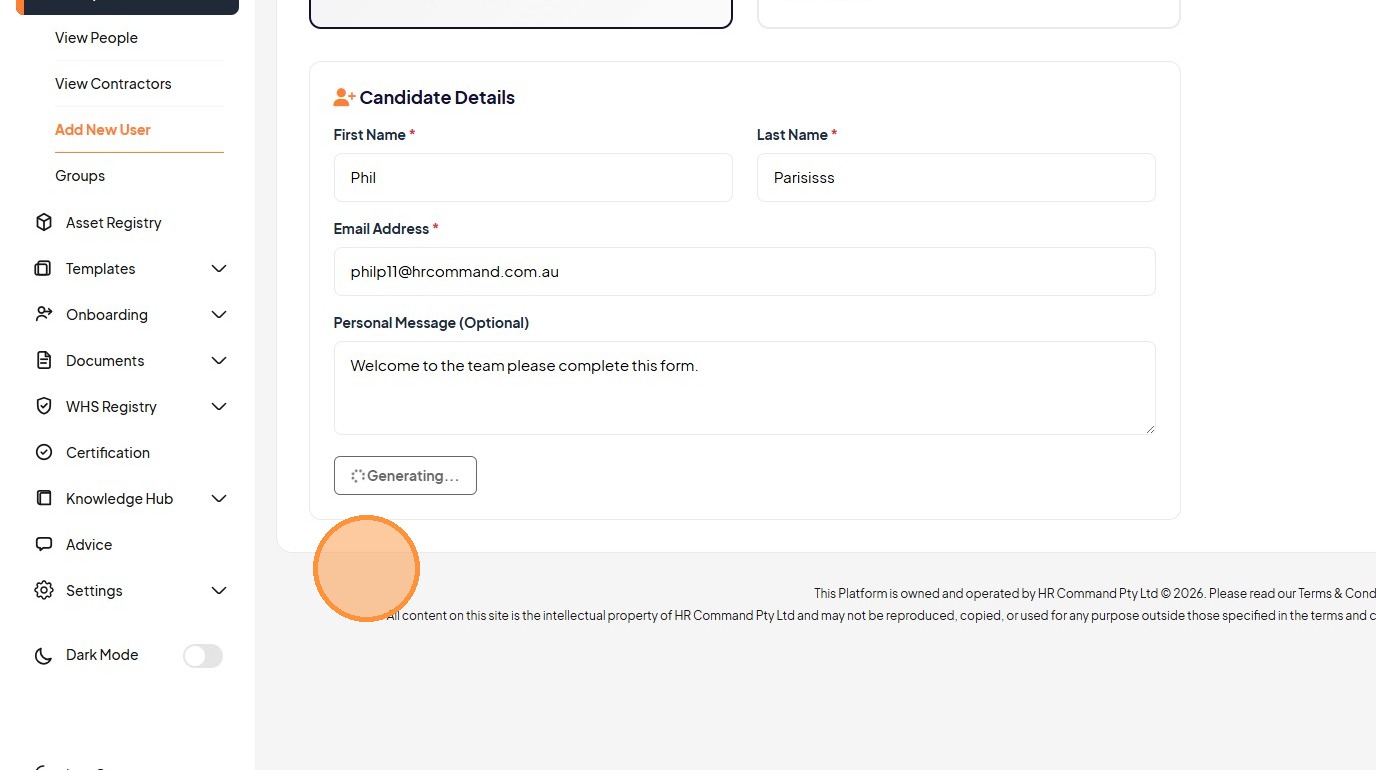
13. Click "Generate onboarding link."
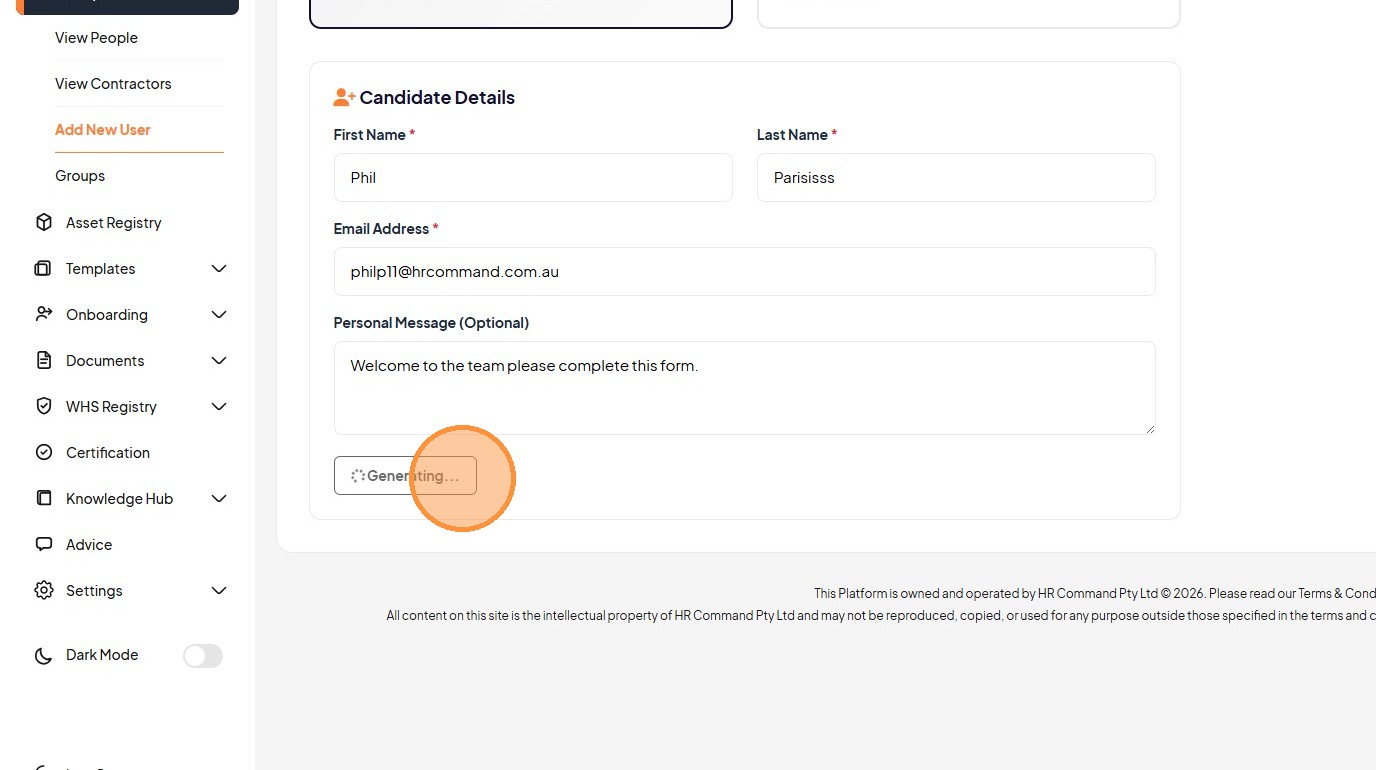
14. Click "Send Email to Candidate Copy Link"
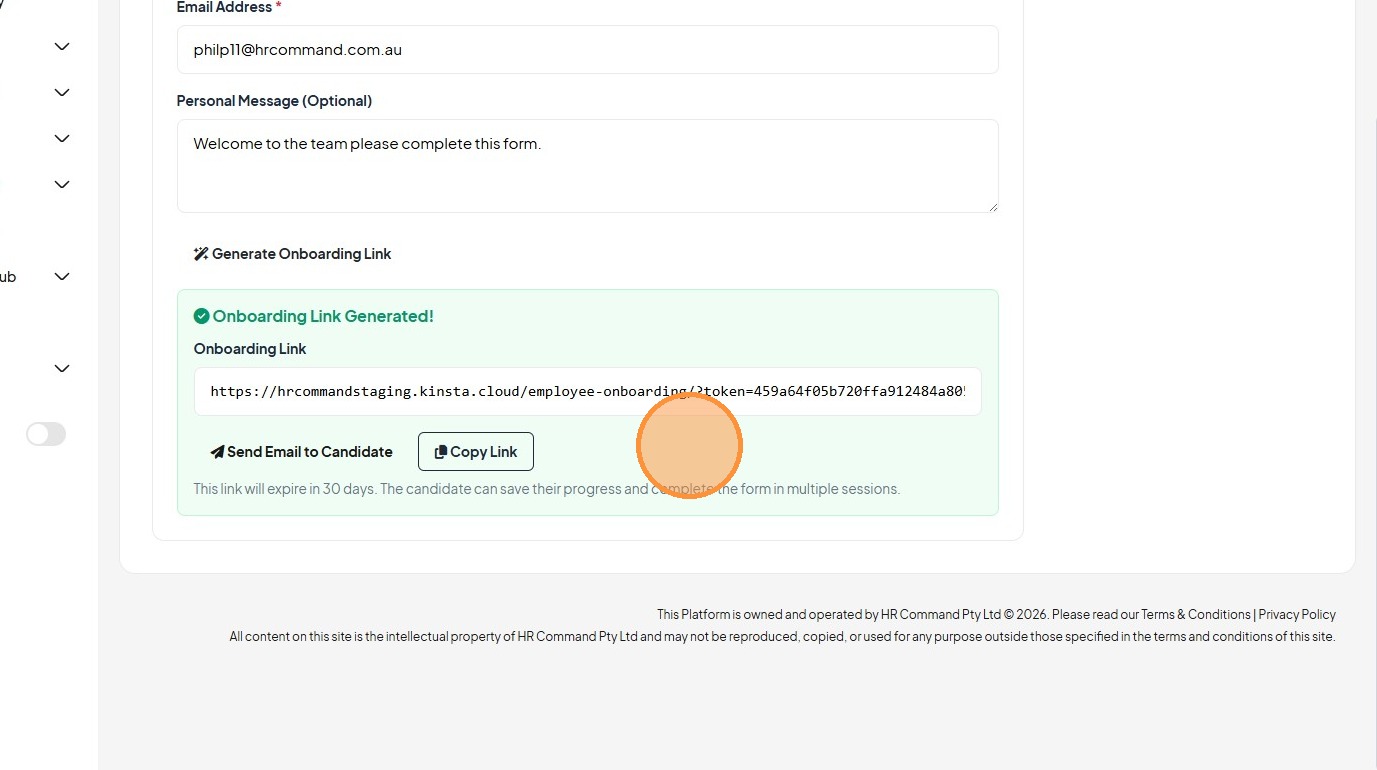
15. Click "Send Email to Candidate"
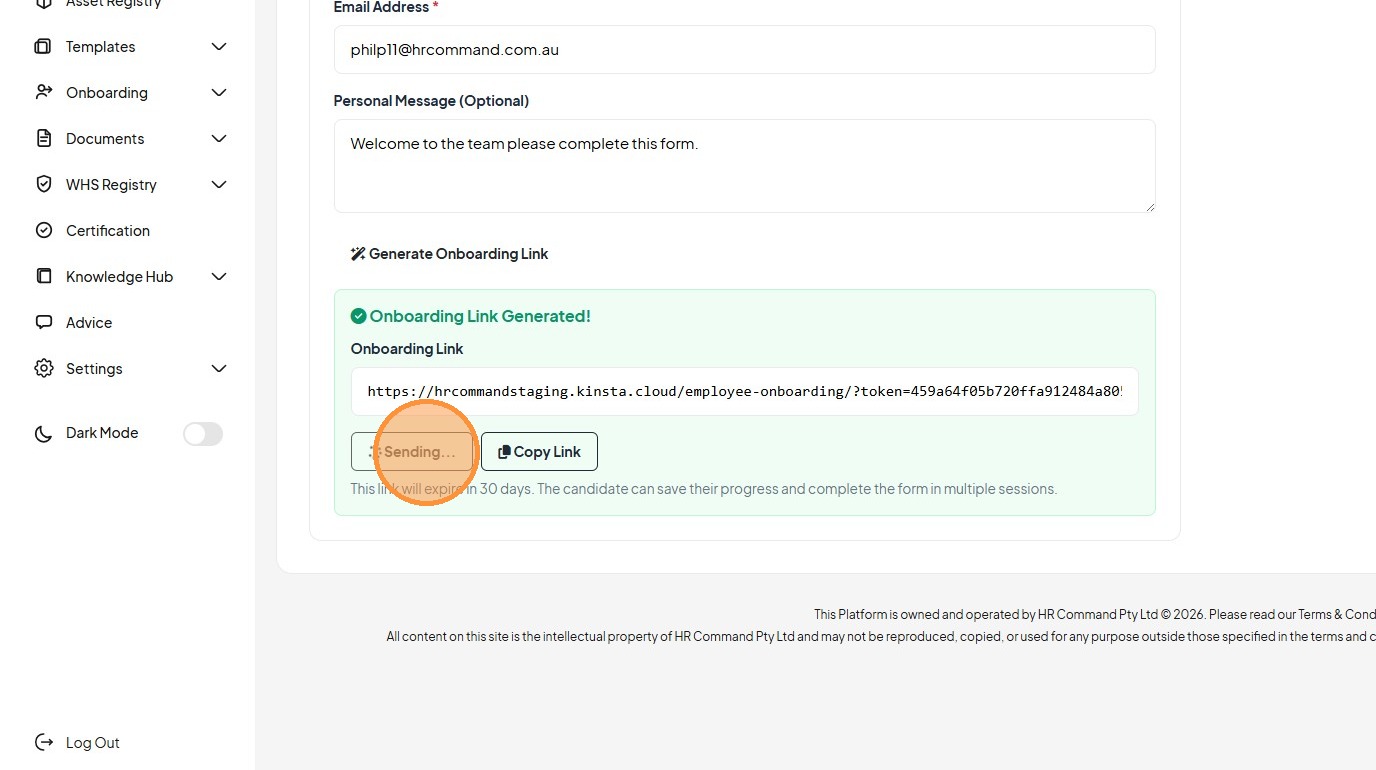
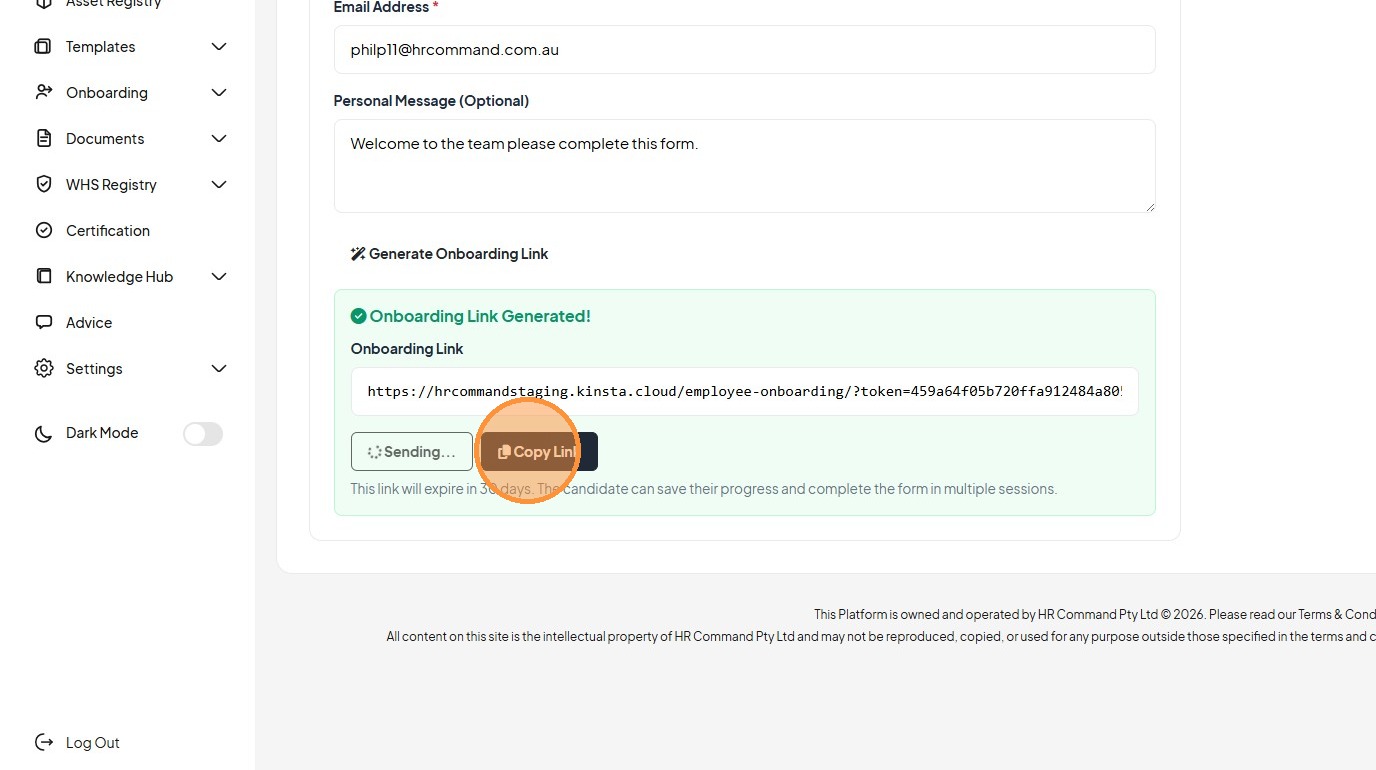
16. Click "Copy Link" send to a candidate through another method of communication
Made with Scribe