Creating and Assigning a New Position Description
Learn how to define a new position description, link it to specific awards, and assign it to an employee within your organisation. This guide ensures your HR records are accurate and up-to-date by streamlining the management of job roles.
1. Navigate to secure.hrcommand.com.au
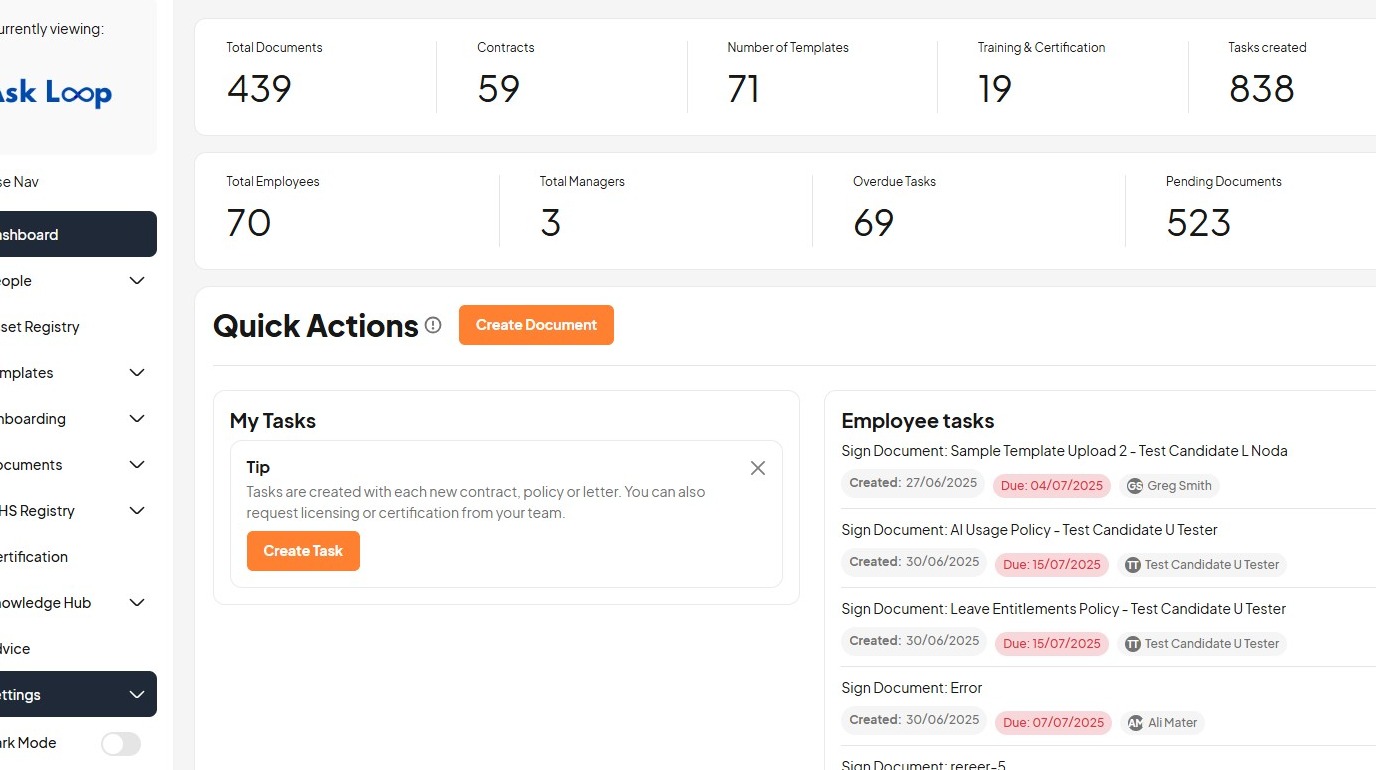
2. Click "Settings"
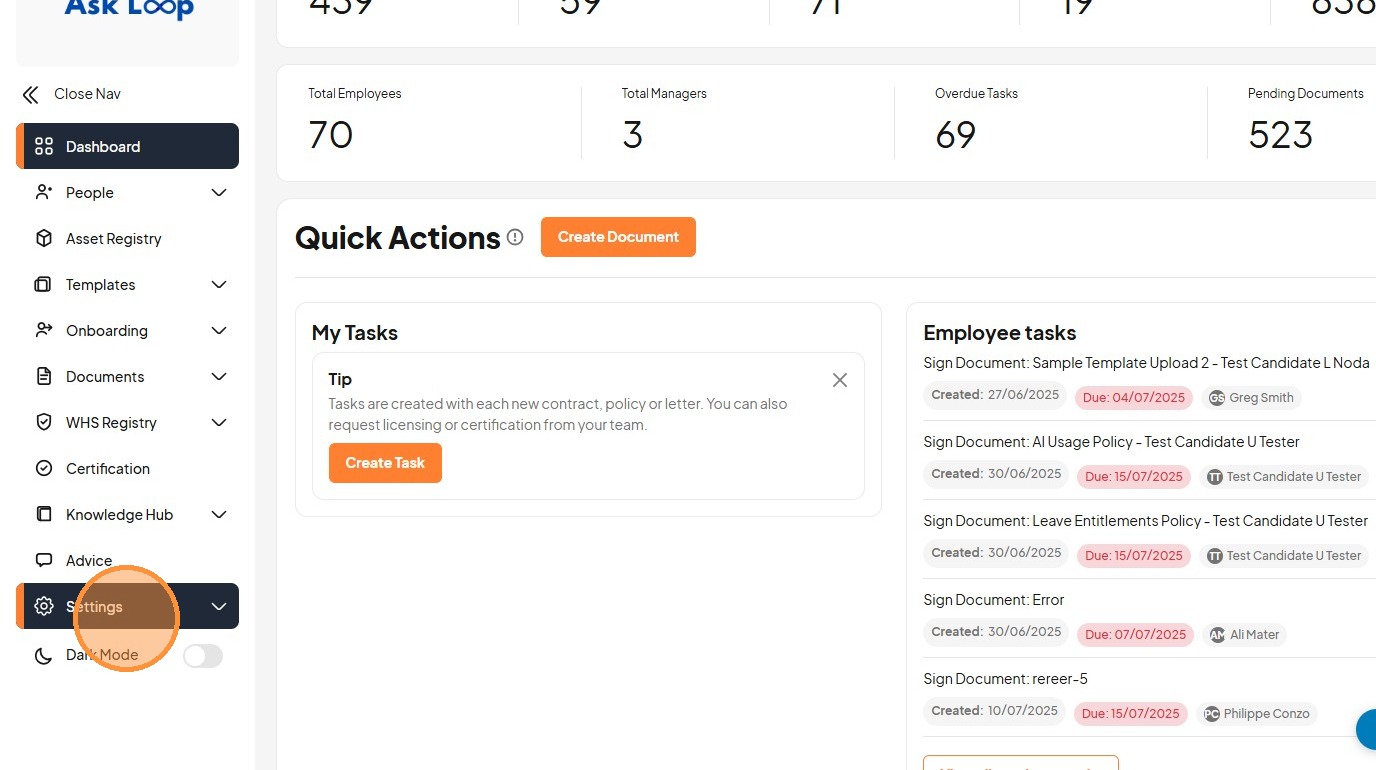
3. Click "Positions Descriptions"
4. Click this icon.
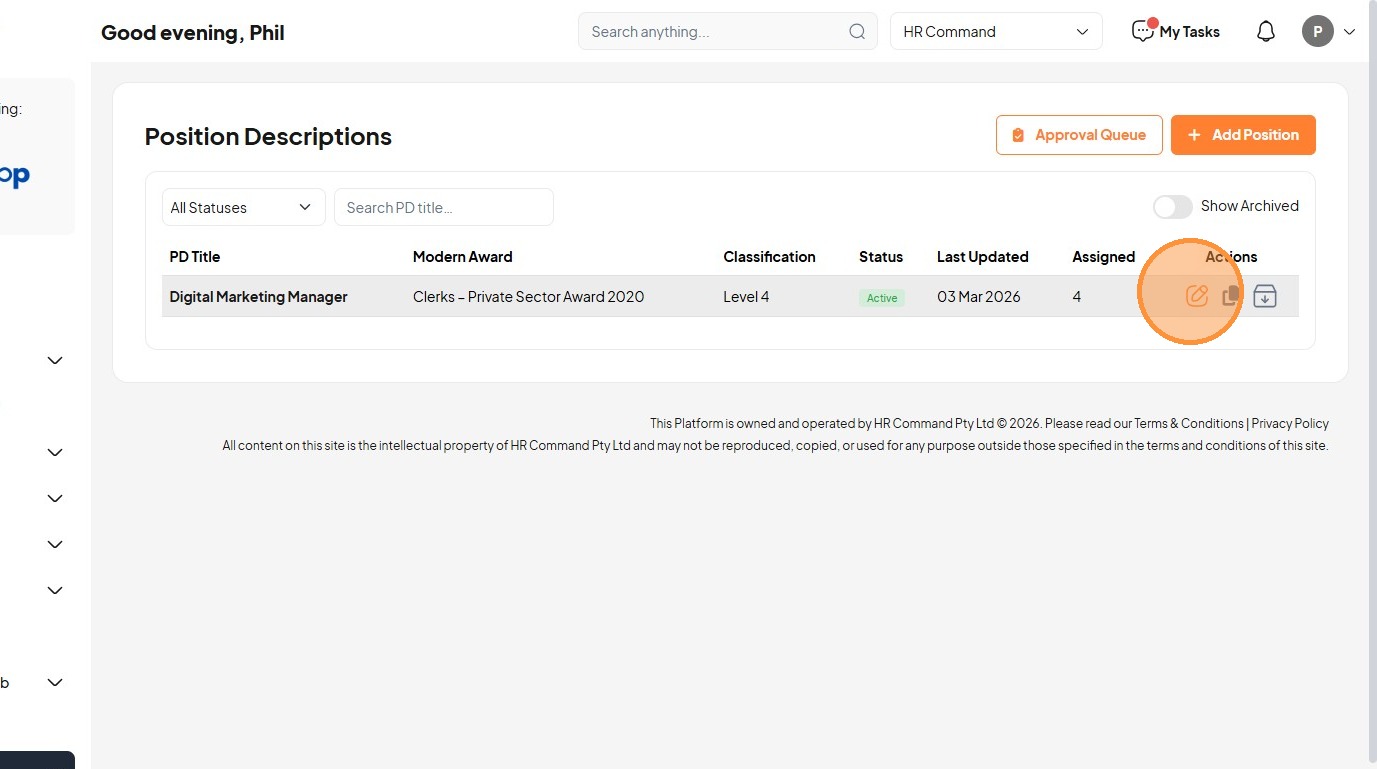
5. Click "Back to List"
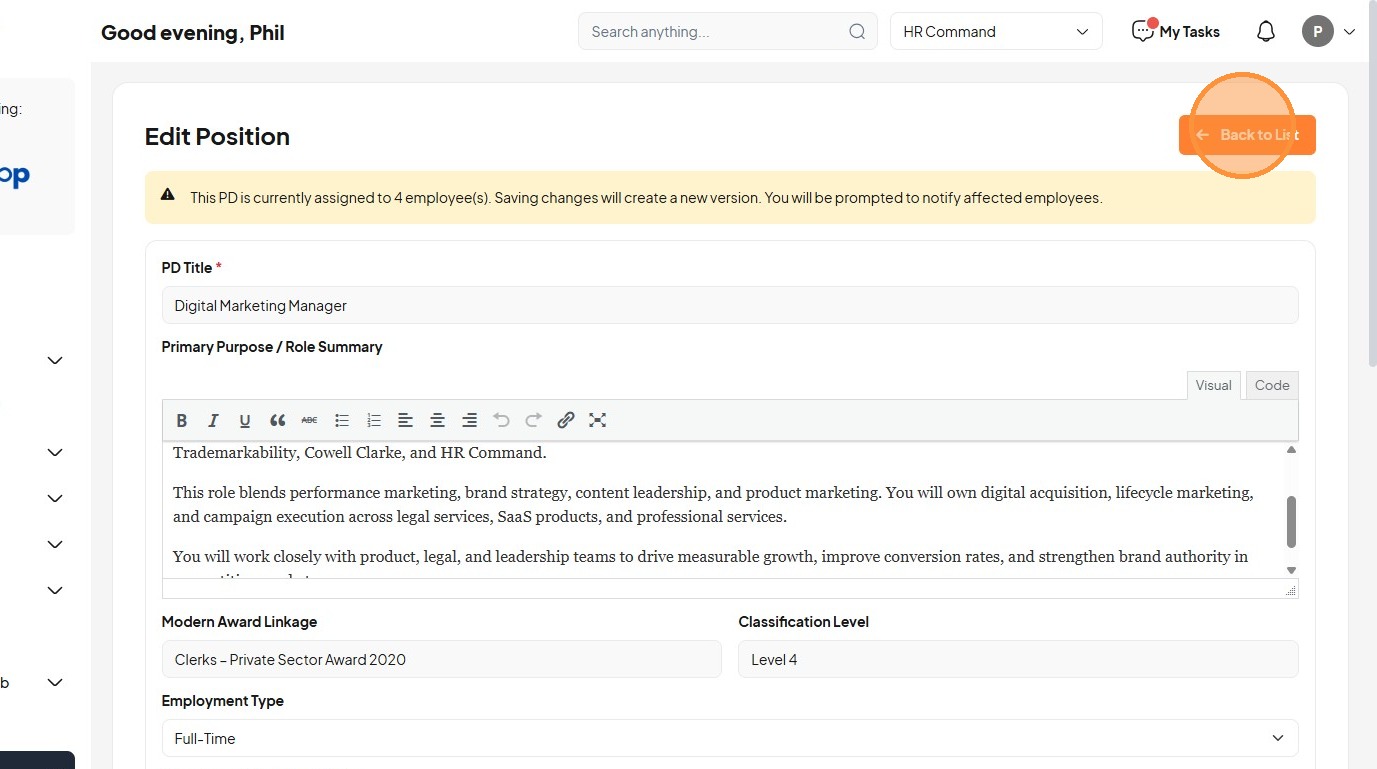
6. Click "Add Position"
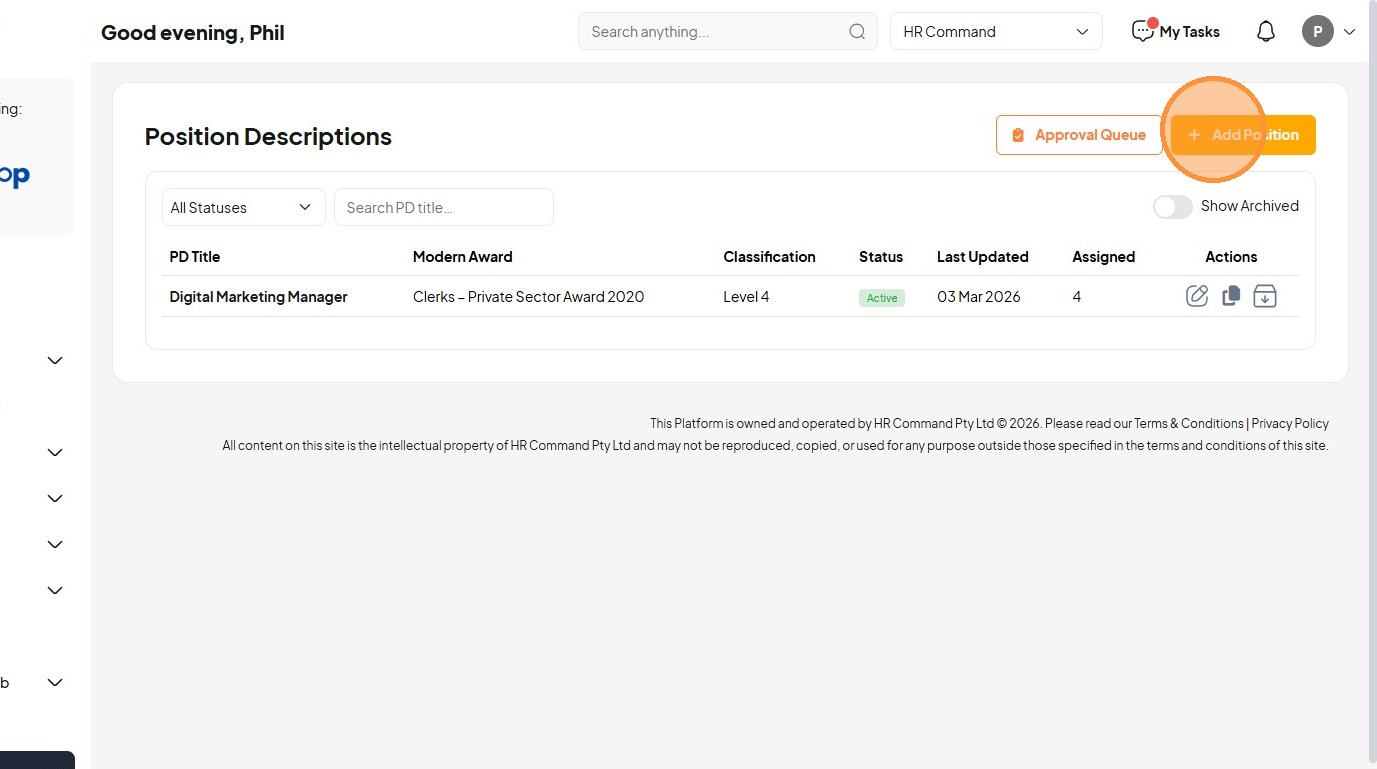
7. Click the "PD Title *" field.
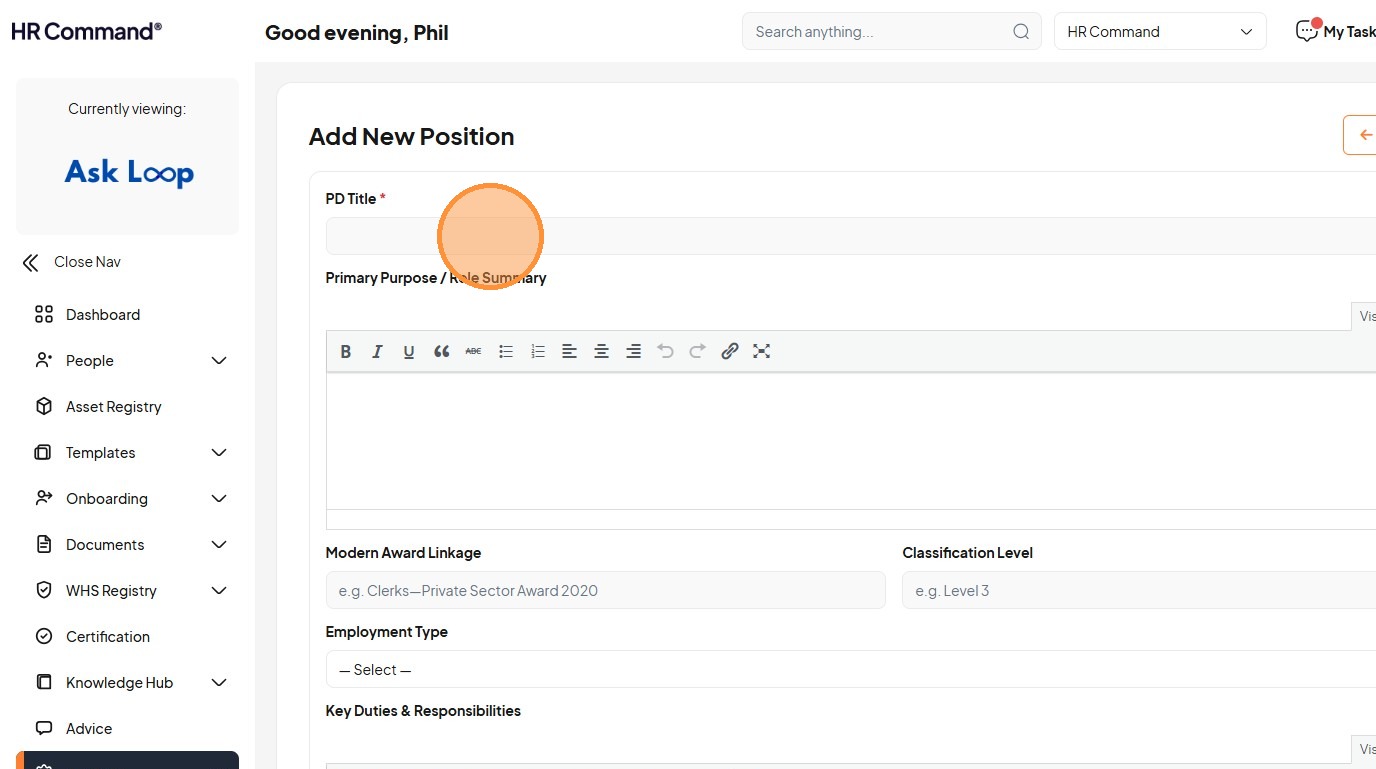
8. Type "Marketing Manager [[Tab]]"
9. Type "Build a brand and generate leads for marketing."
10. Click the "Modern Award Linkage" field.
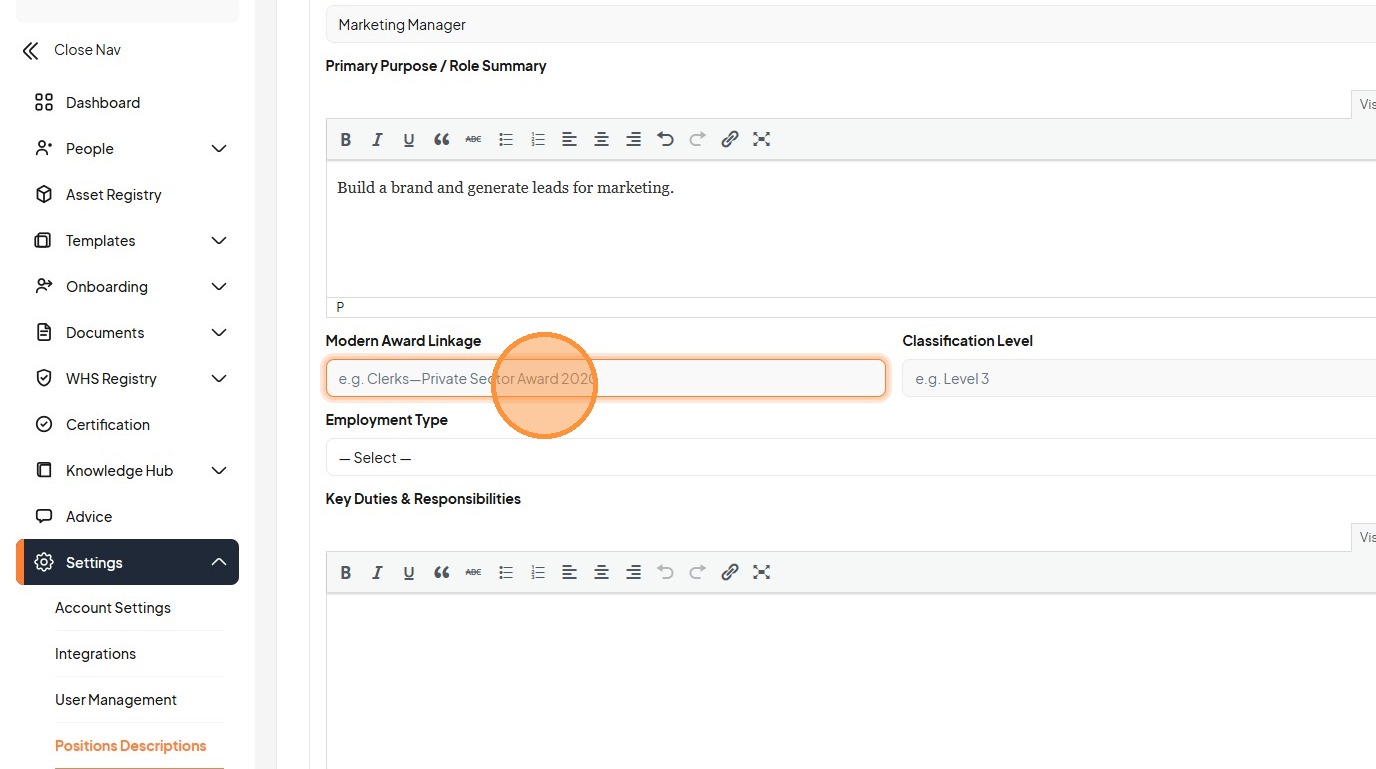
11. Type "Clerks Private Section Award [[Tab]] Level 2"
12. Select the "Full-Time" option.
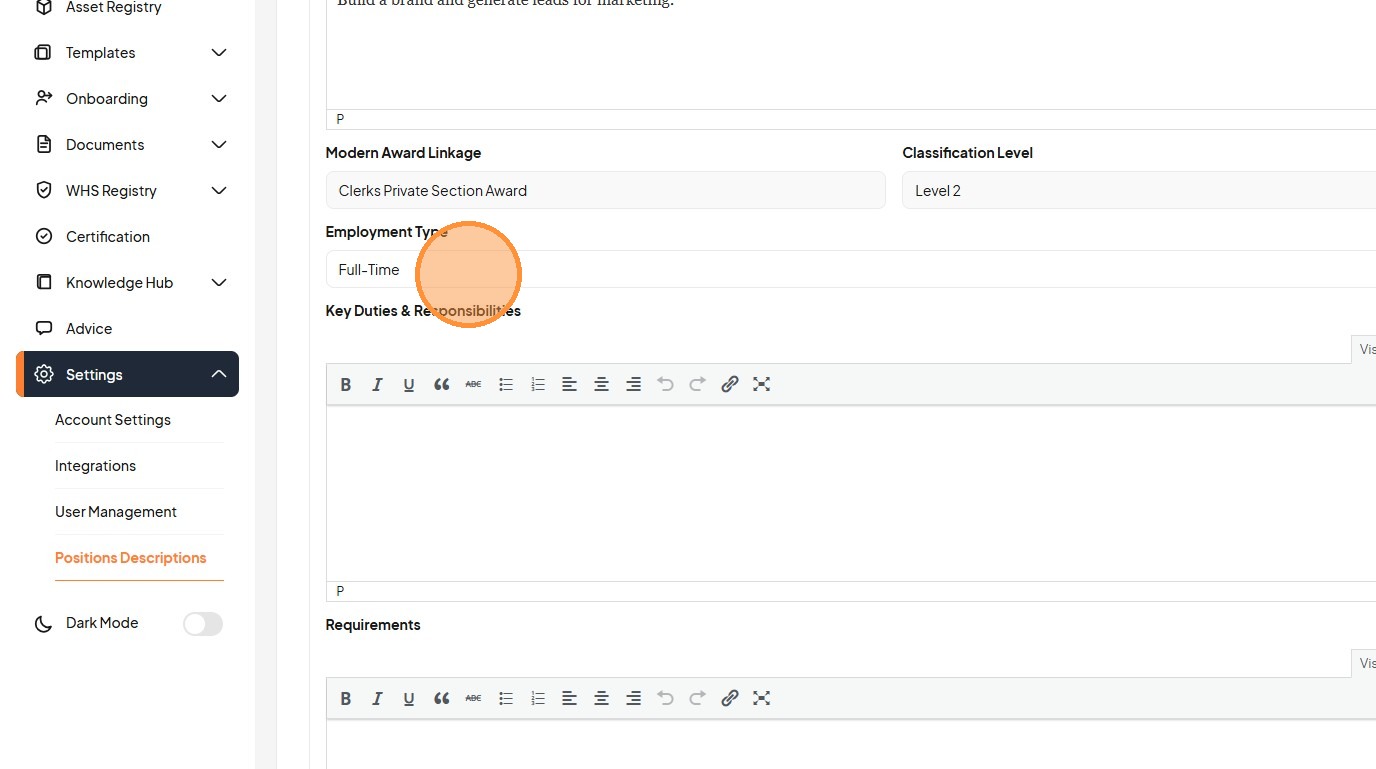
13. Type "Genera"
14. Click "Ge"
15. Type "te leads [[Enter]] Win Tenders [[Tab]]"
16. Click here.
17. Click this dropdown.
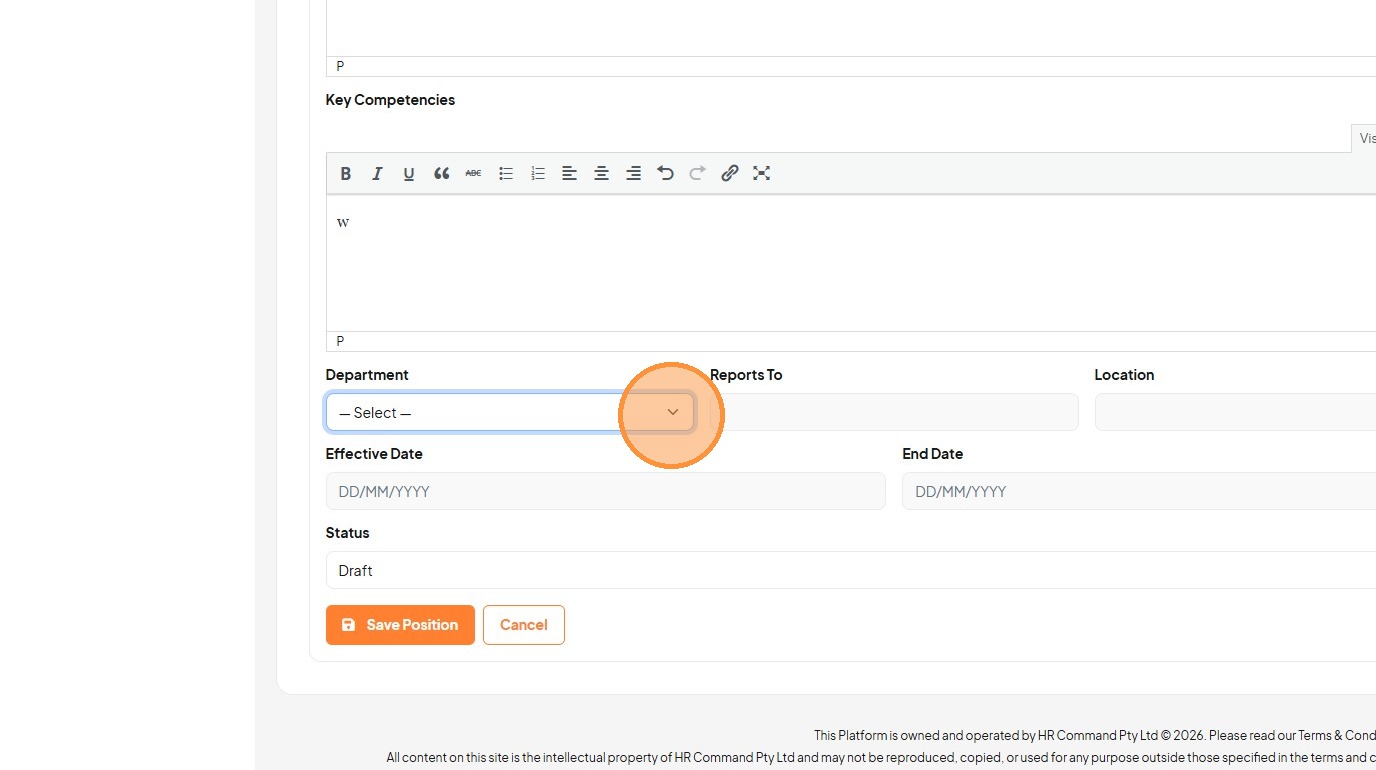
18. Click this dropdown.
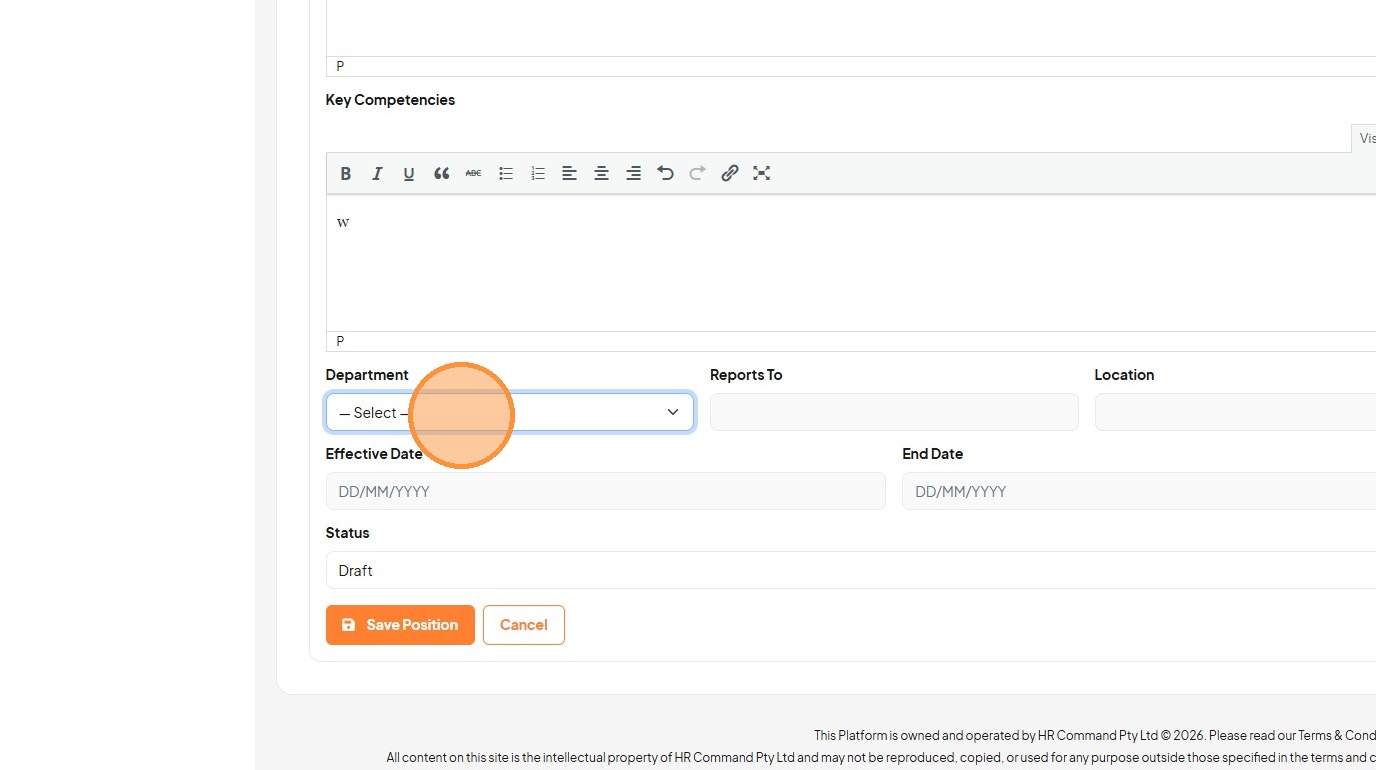
19. Select the "Human Resources" option.
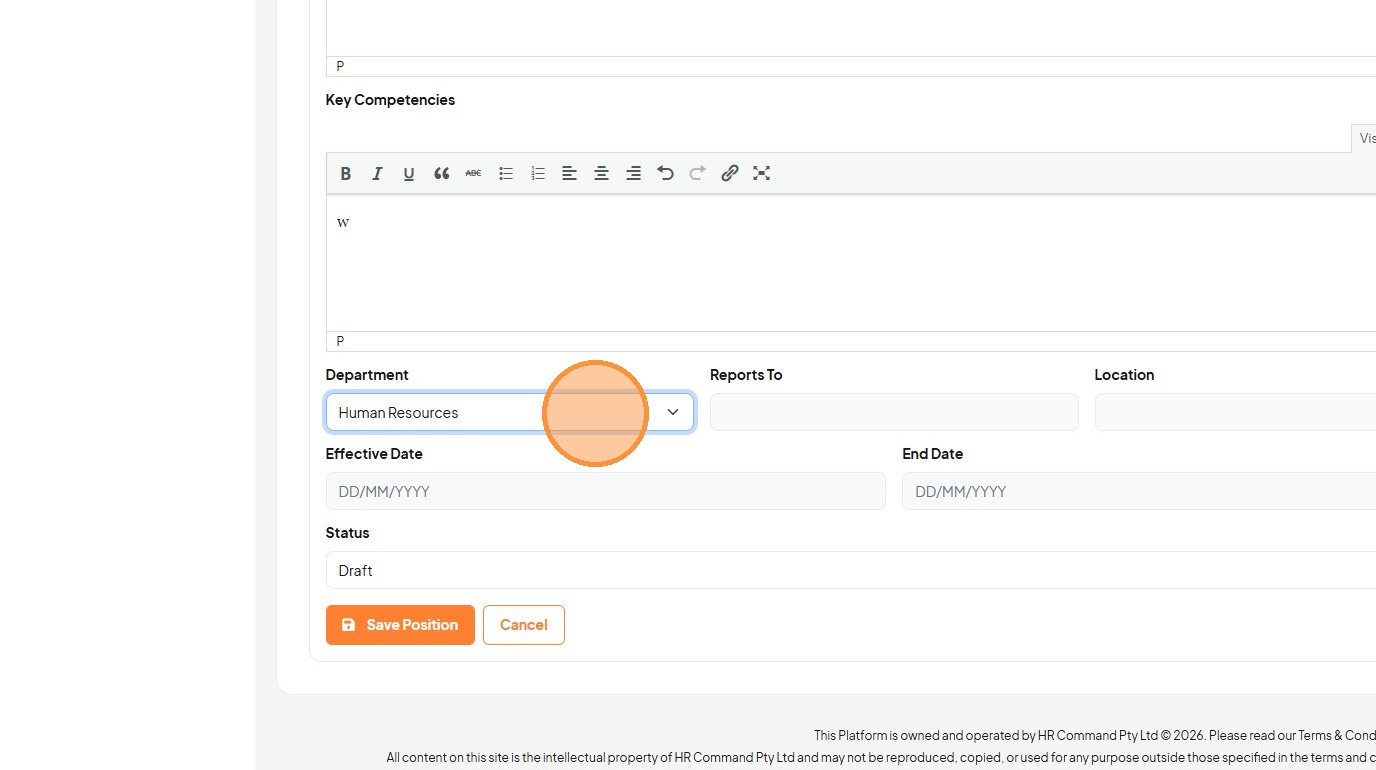
20. Click the "Reports To" field.
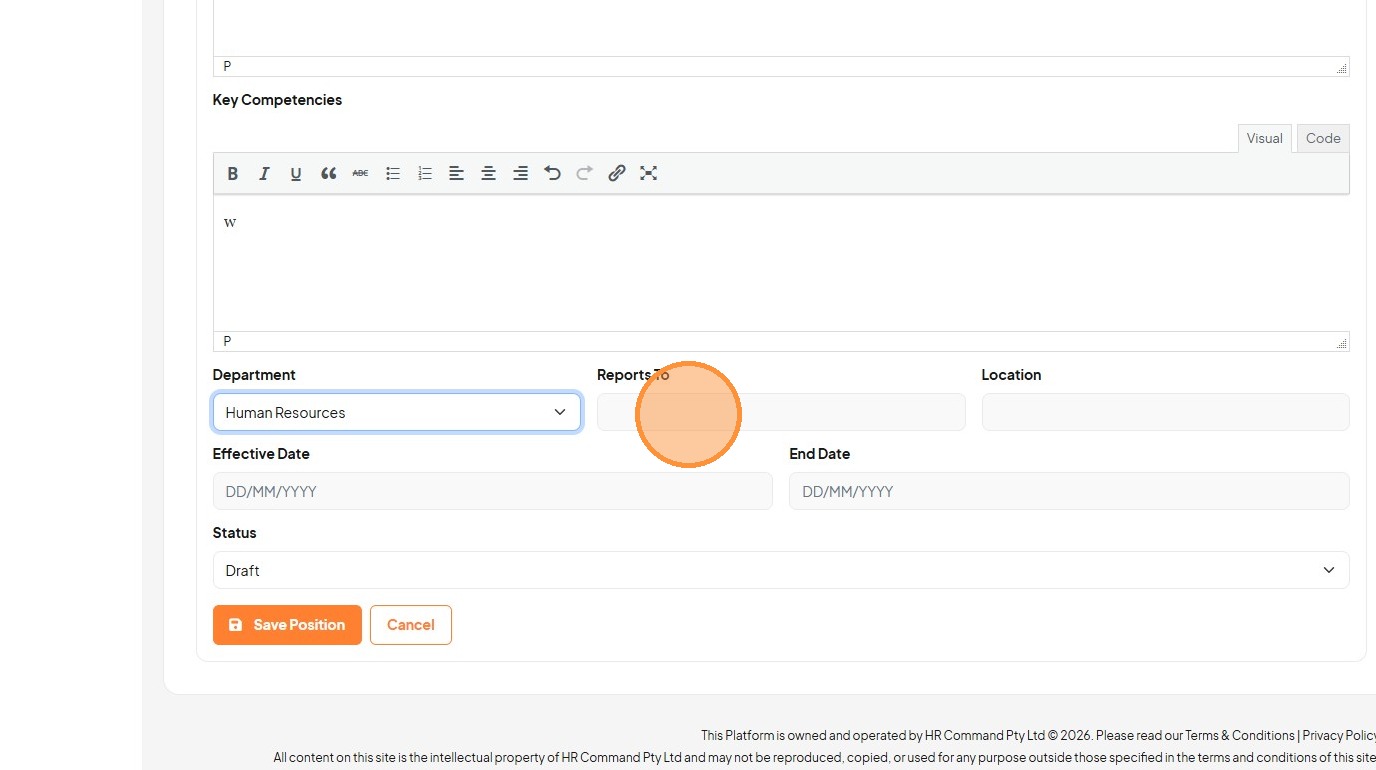
21. Click this dropdown.
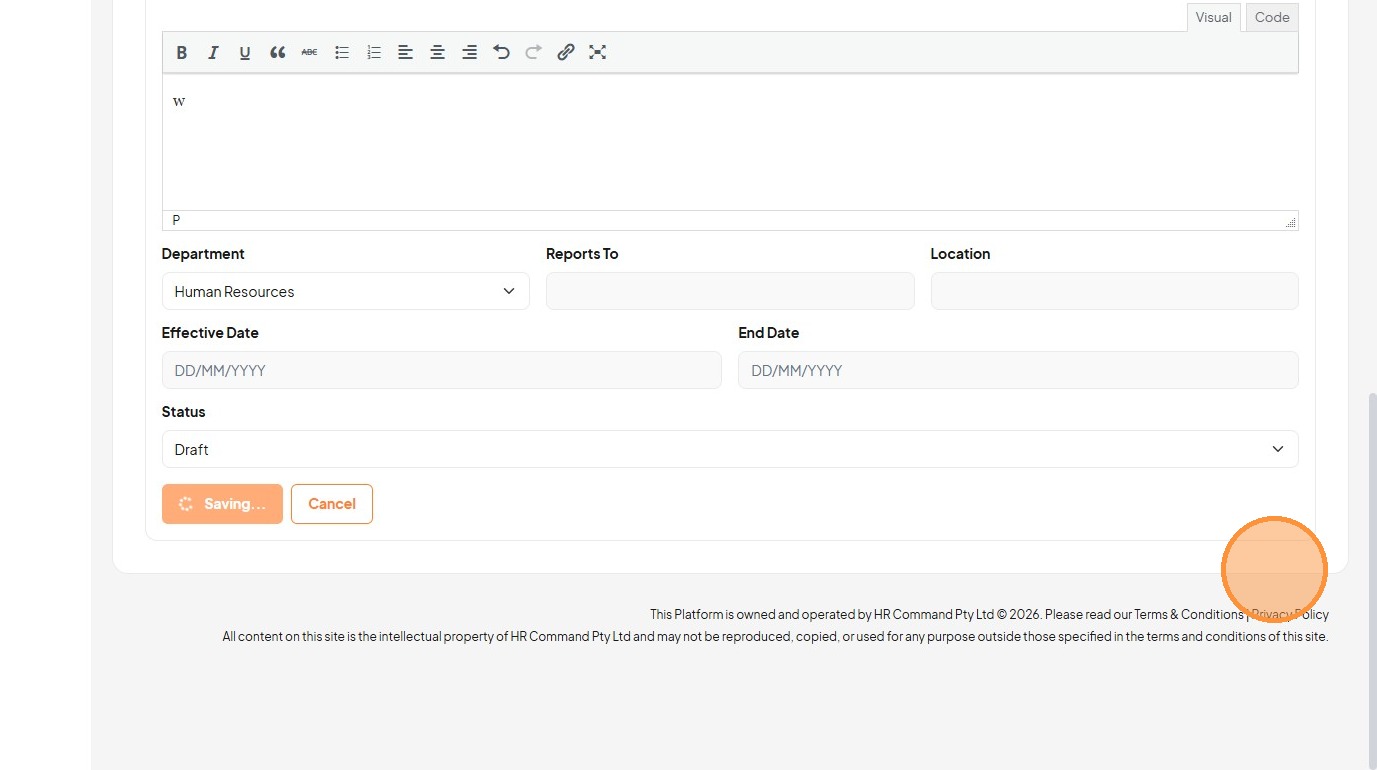
22. Click the "End Date" field.
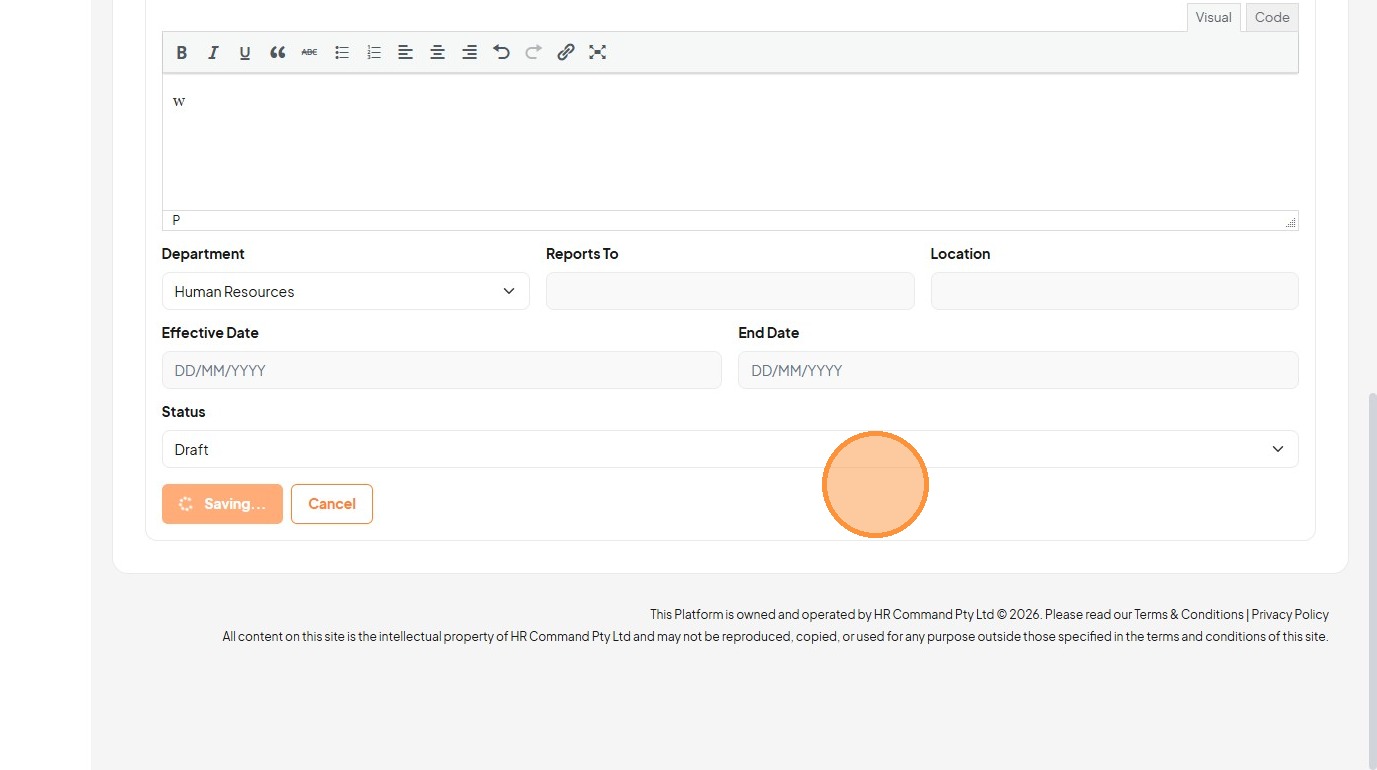
23. Click this dropdown.
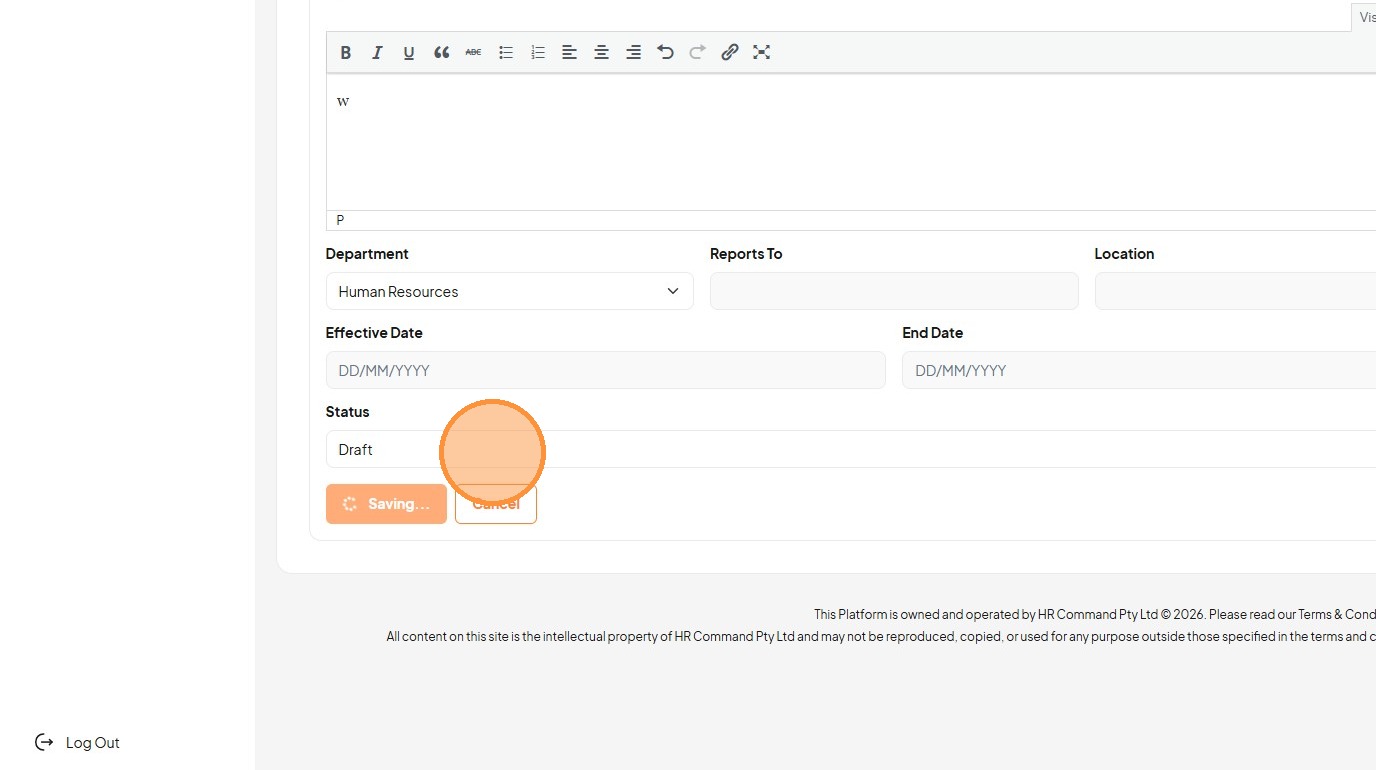
24. Click this dropdown.
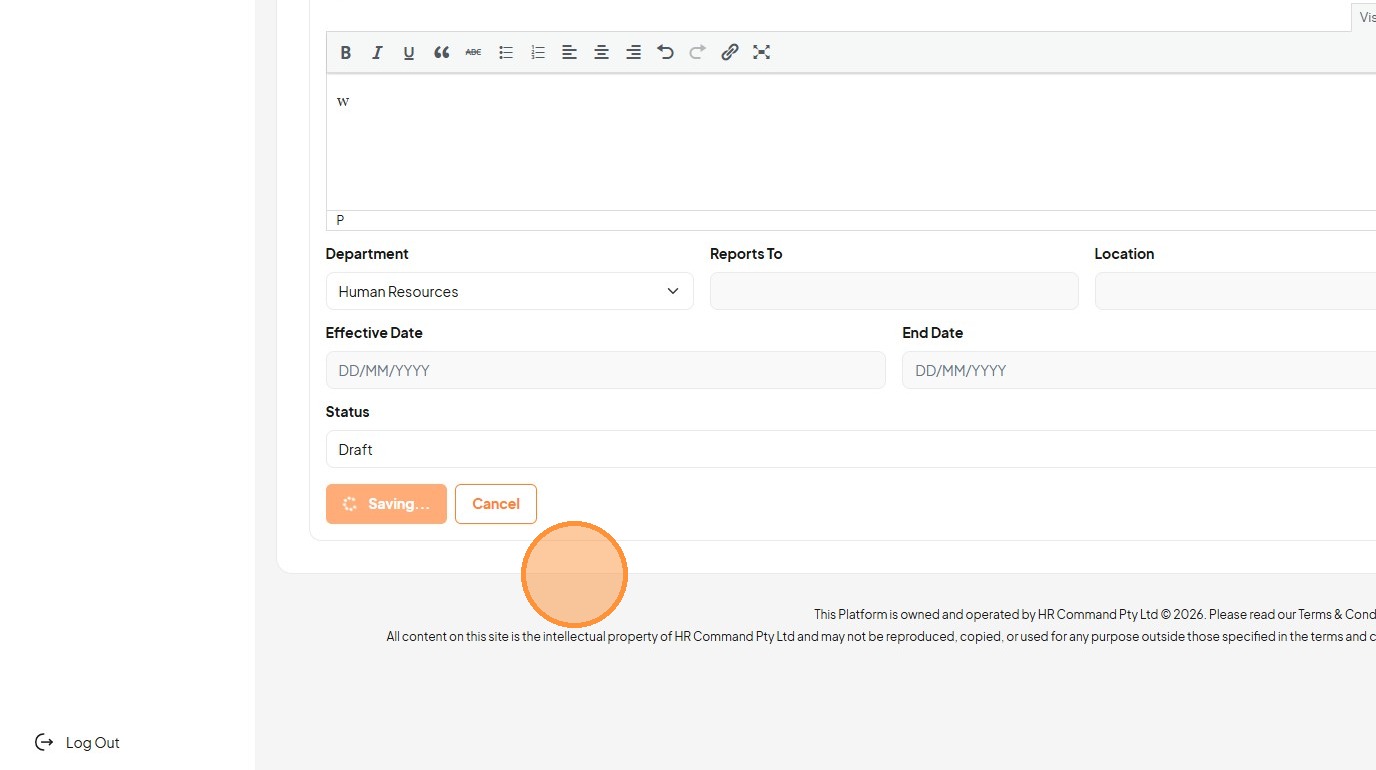
25. Click "Saving..."
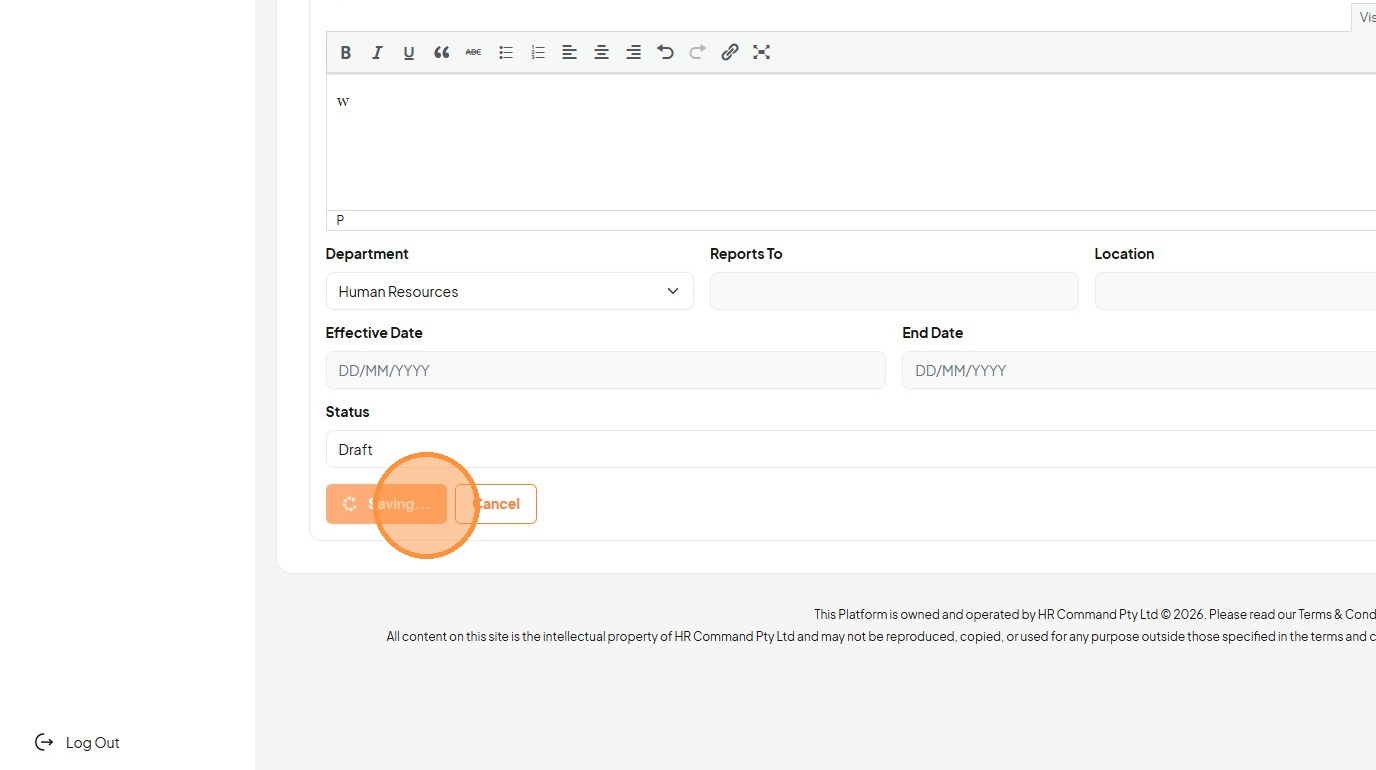
26. Click the "Effective Date" field.
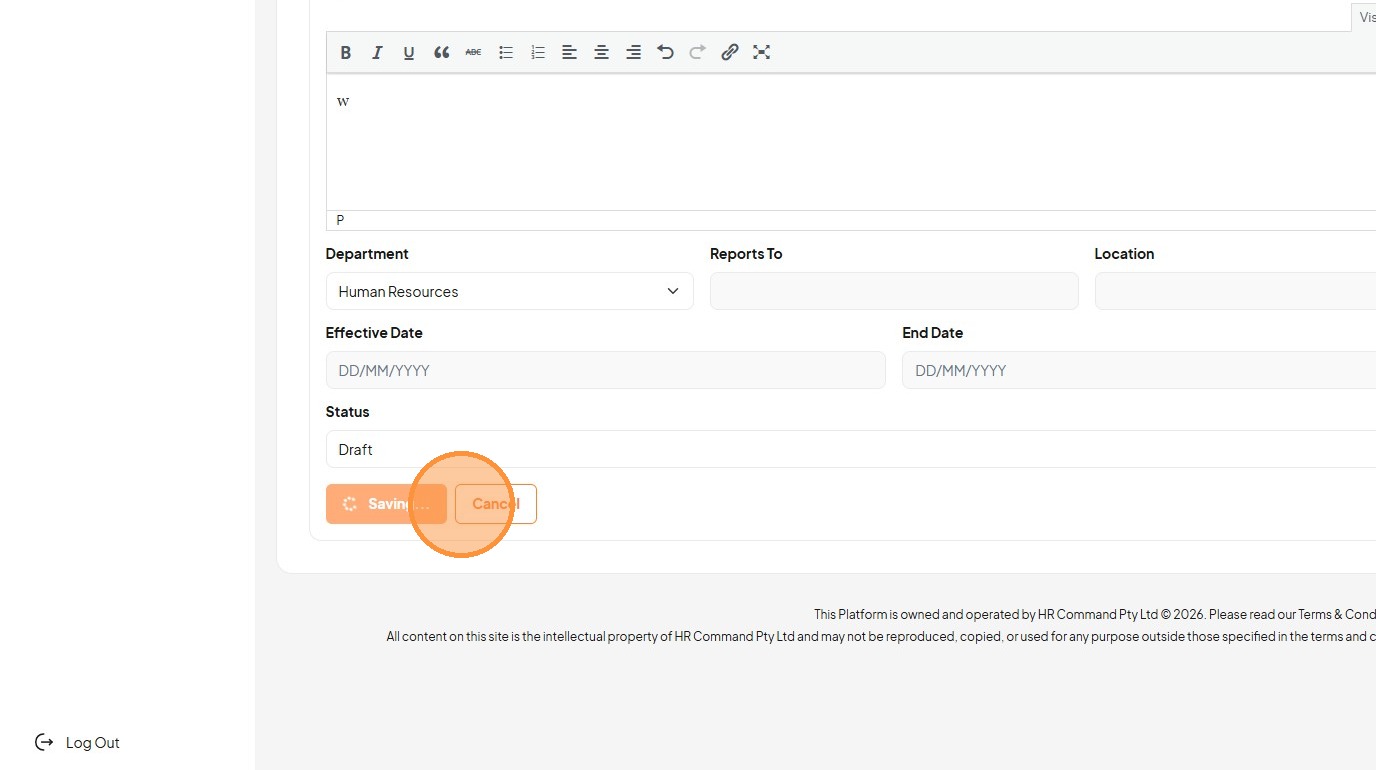
27. Click "View Position"
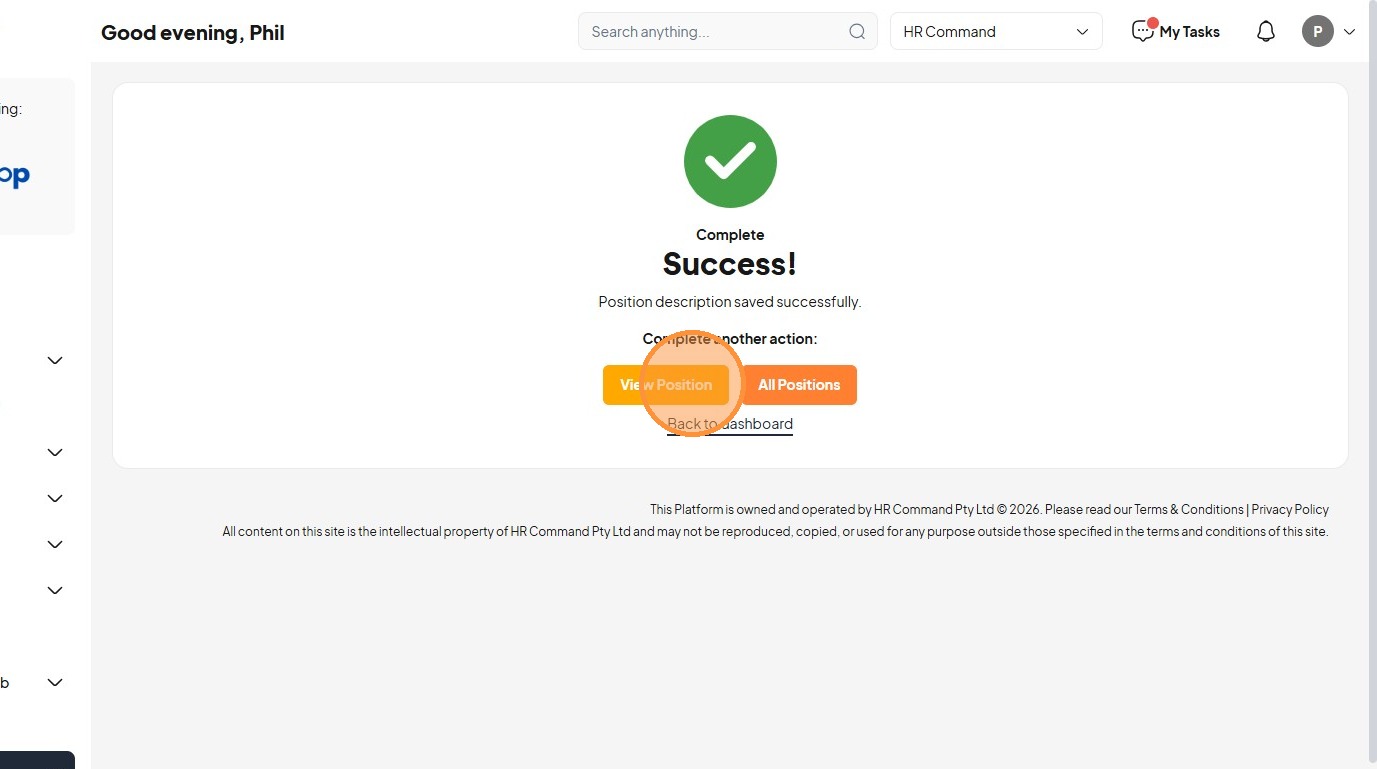
28. Click "All Positions"
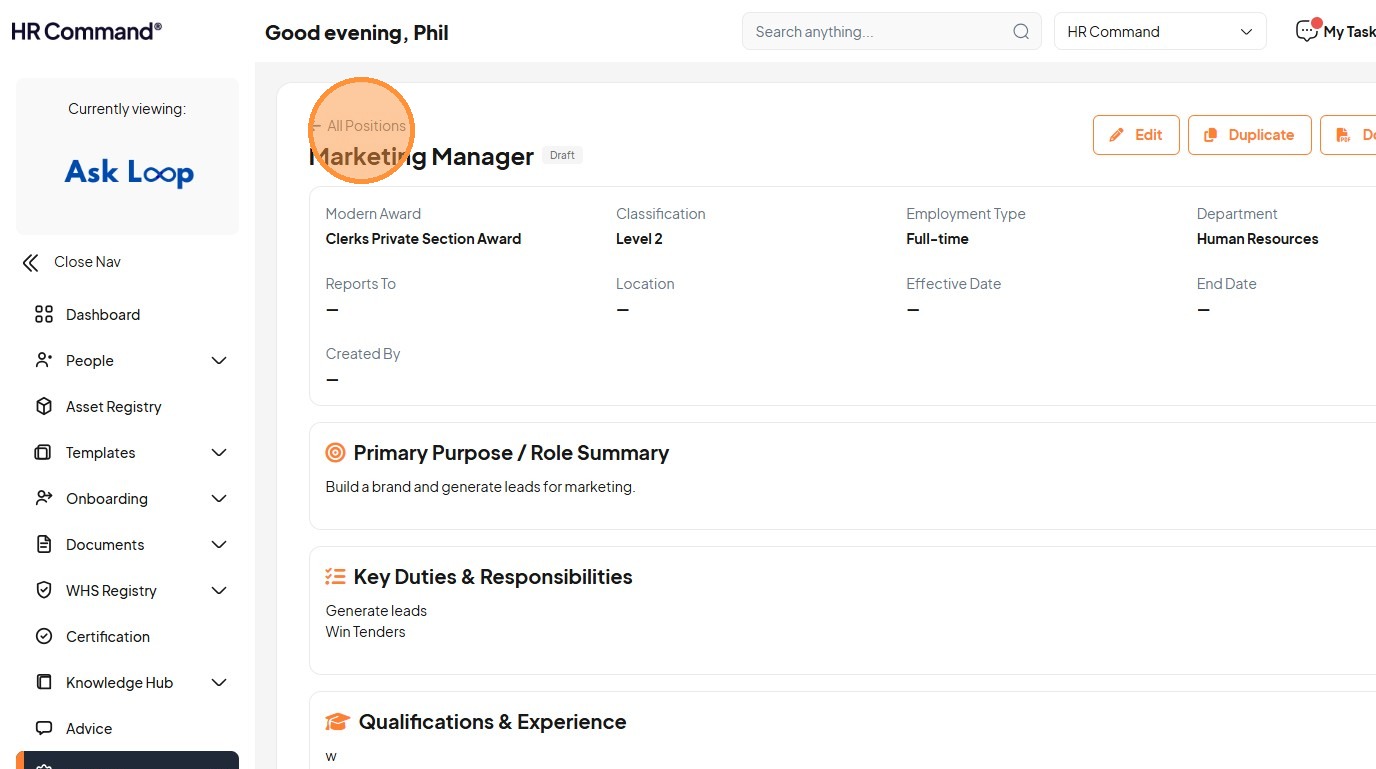
29. Click this icon.
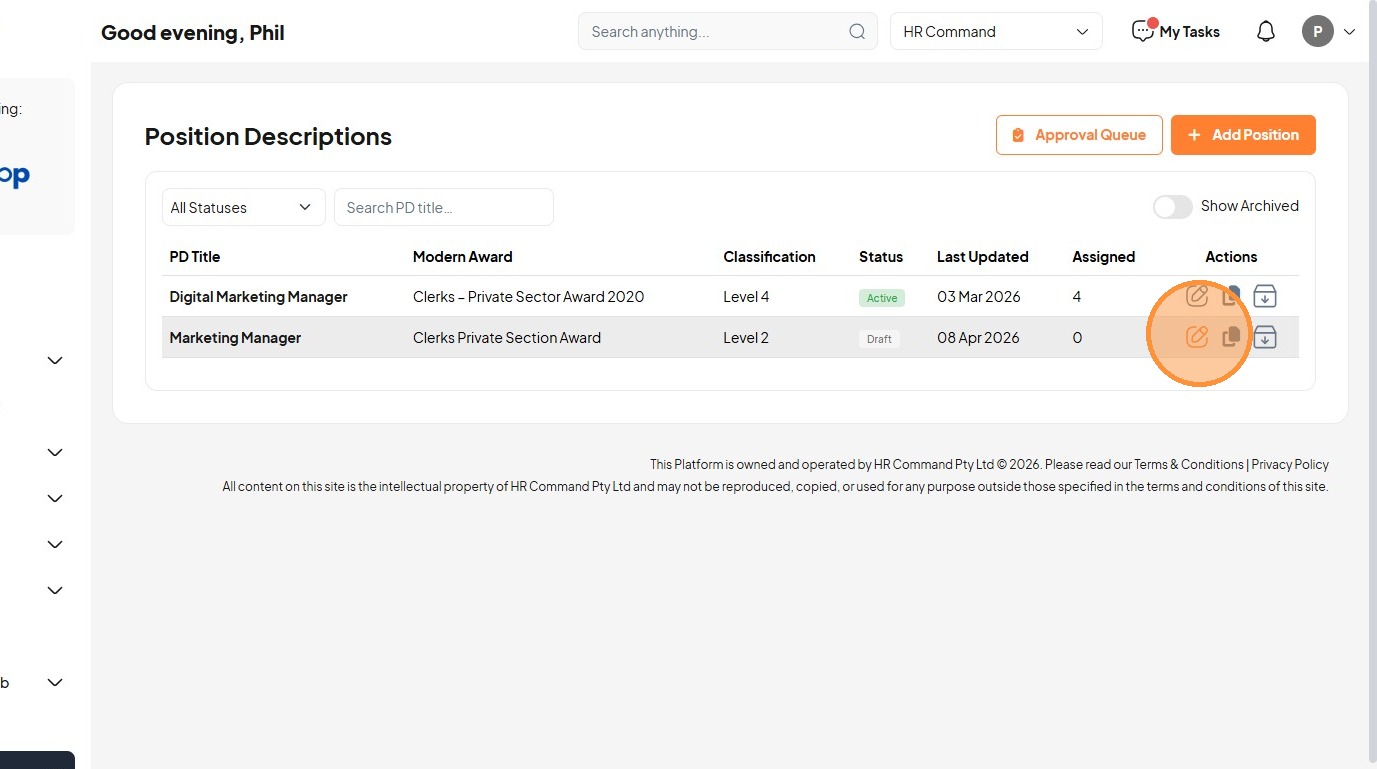
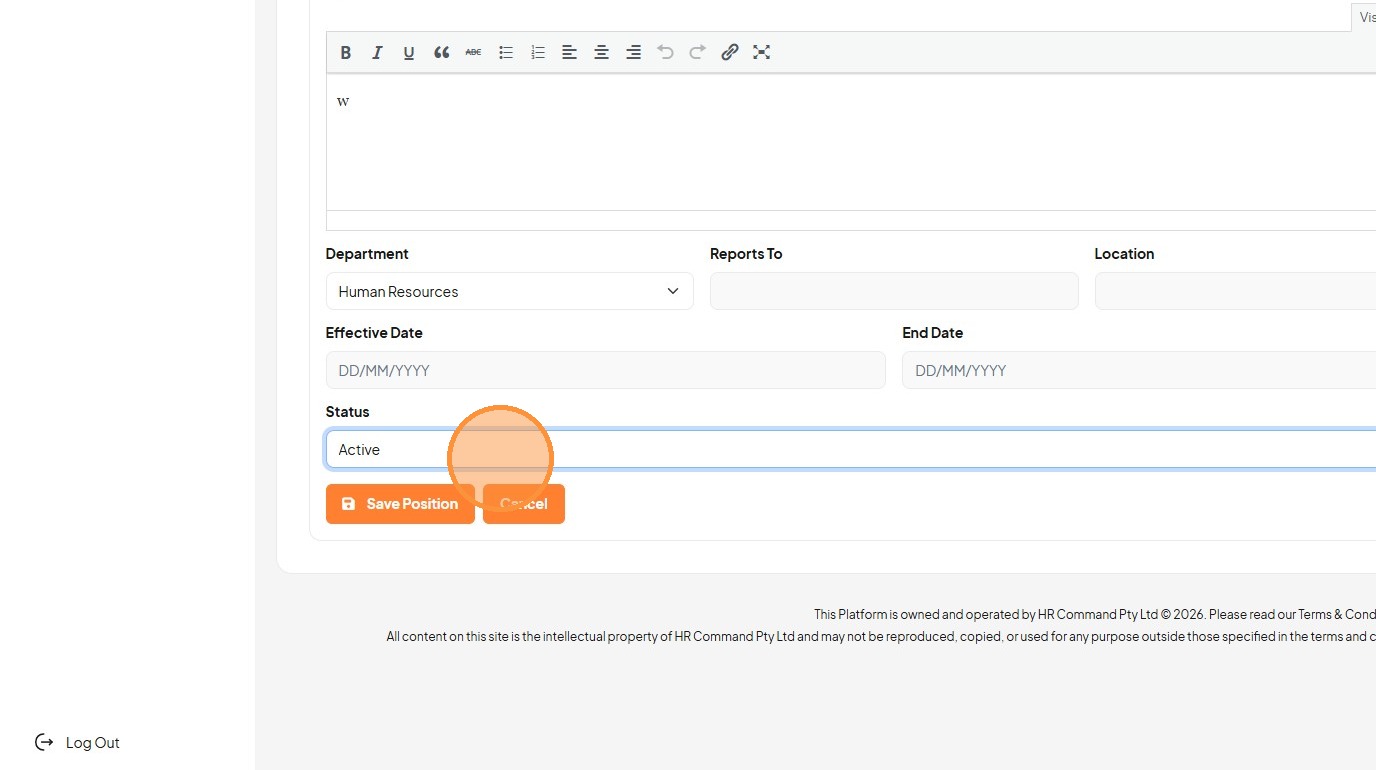
30. Select the "Active" option.
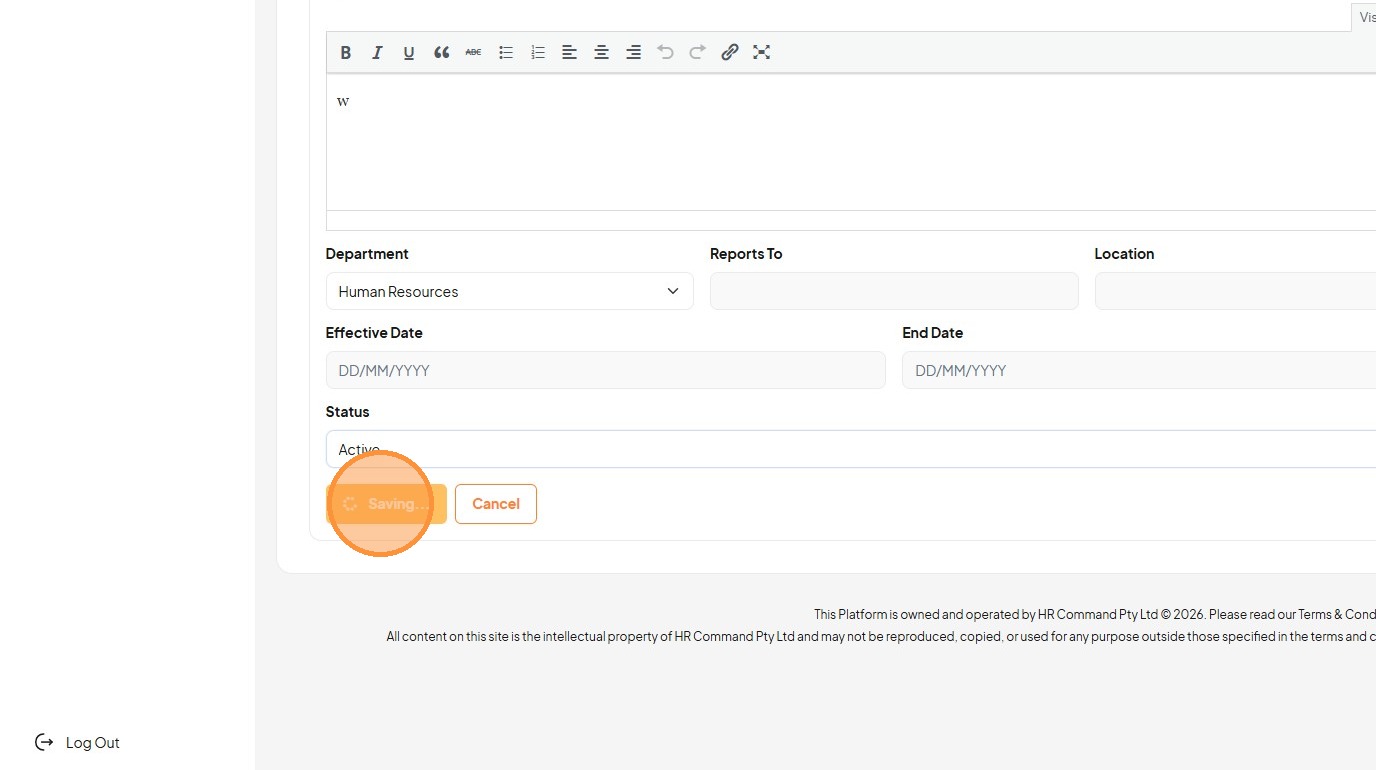
31. Click "Saving..."
32. Click "View Position"
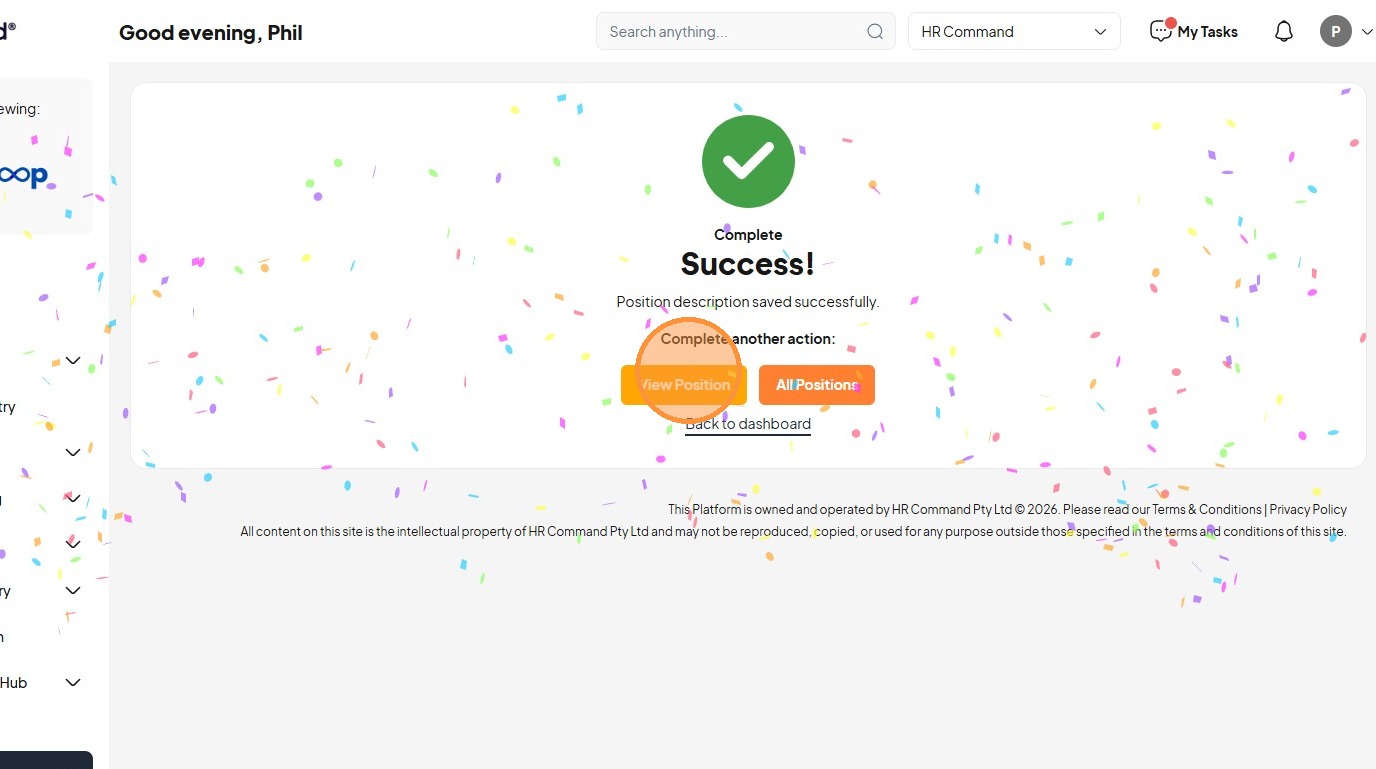
33. Click "All Positions"
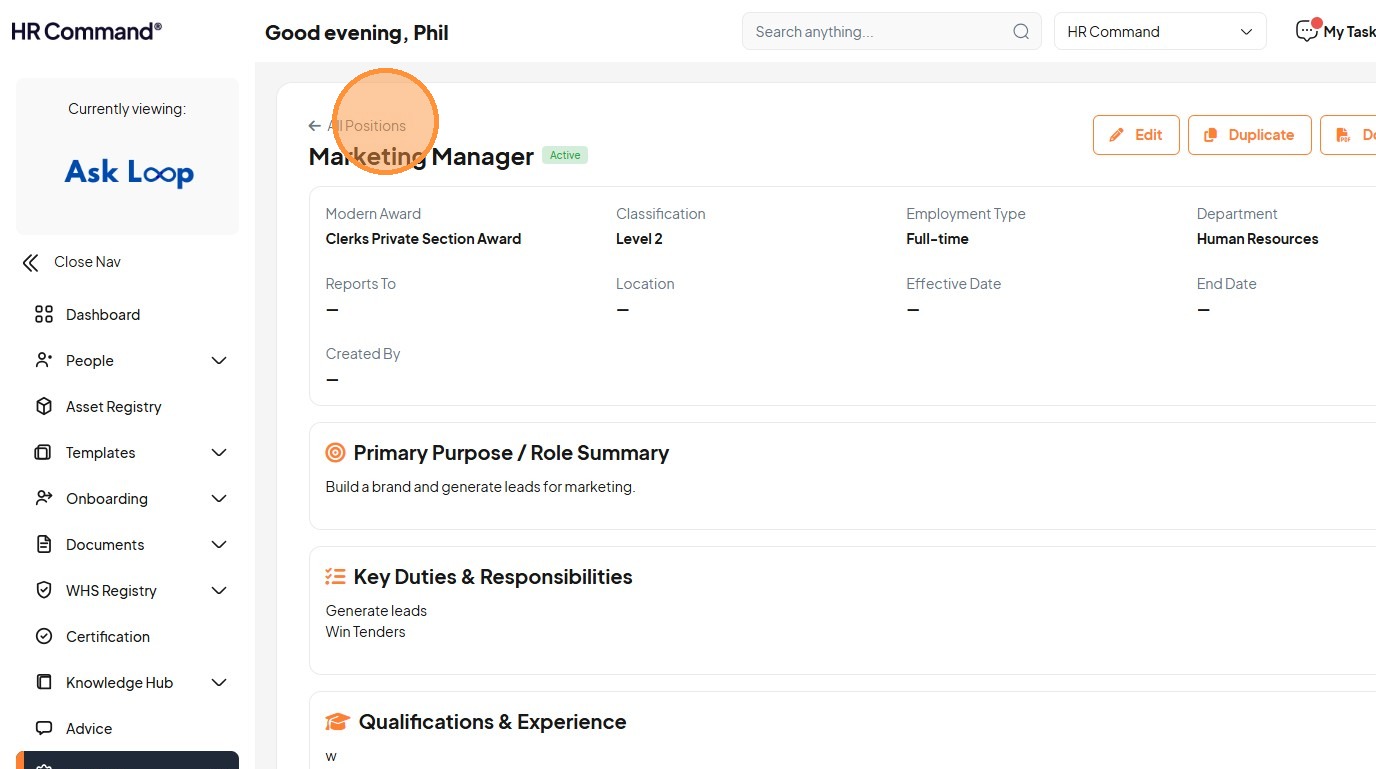
34. Click "Digital Marketing Manager"
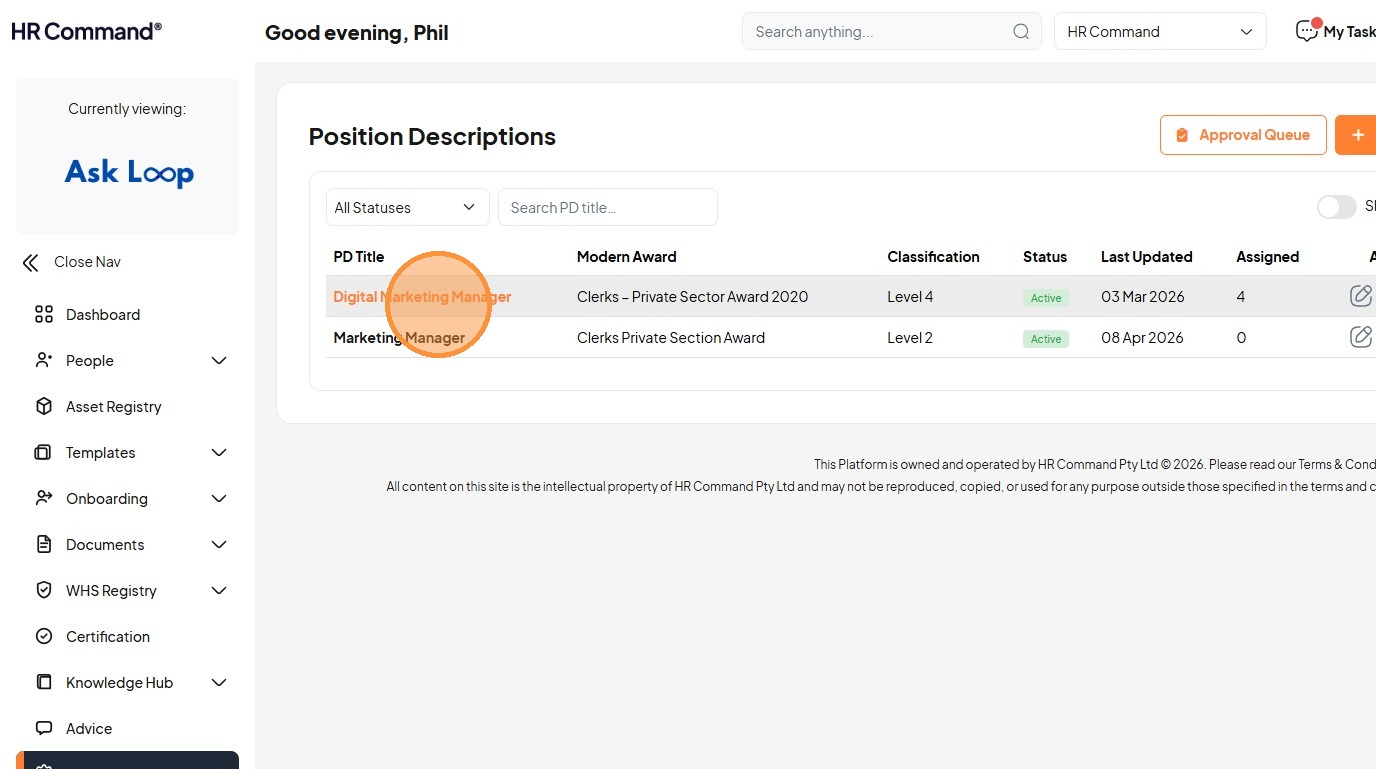
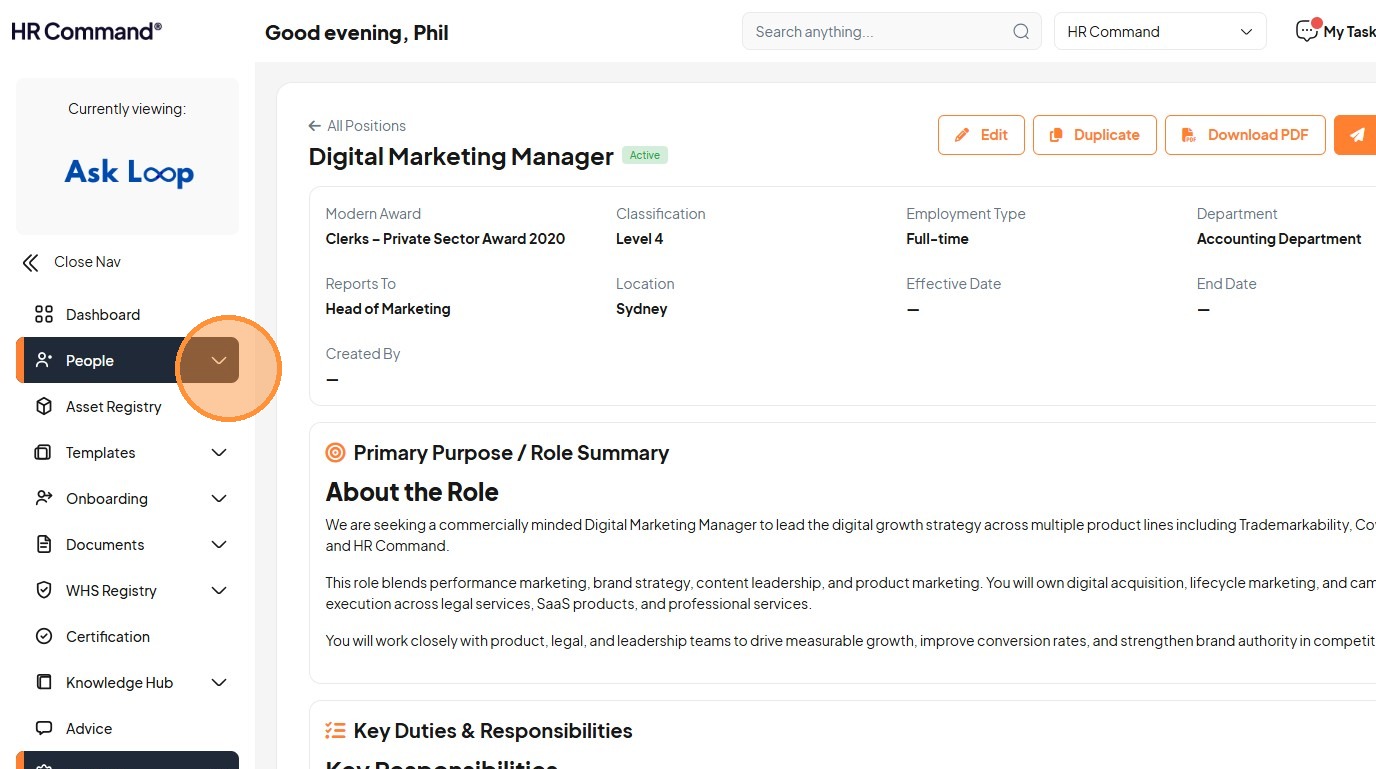
35. Now lets assign this position description to a person
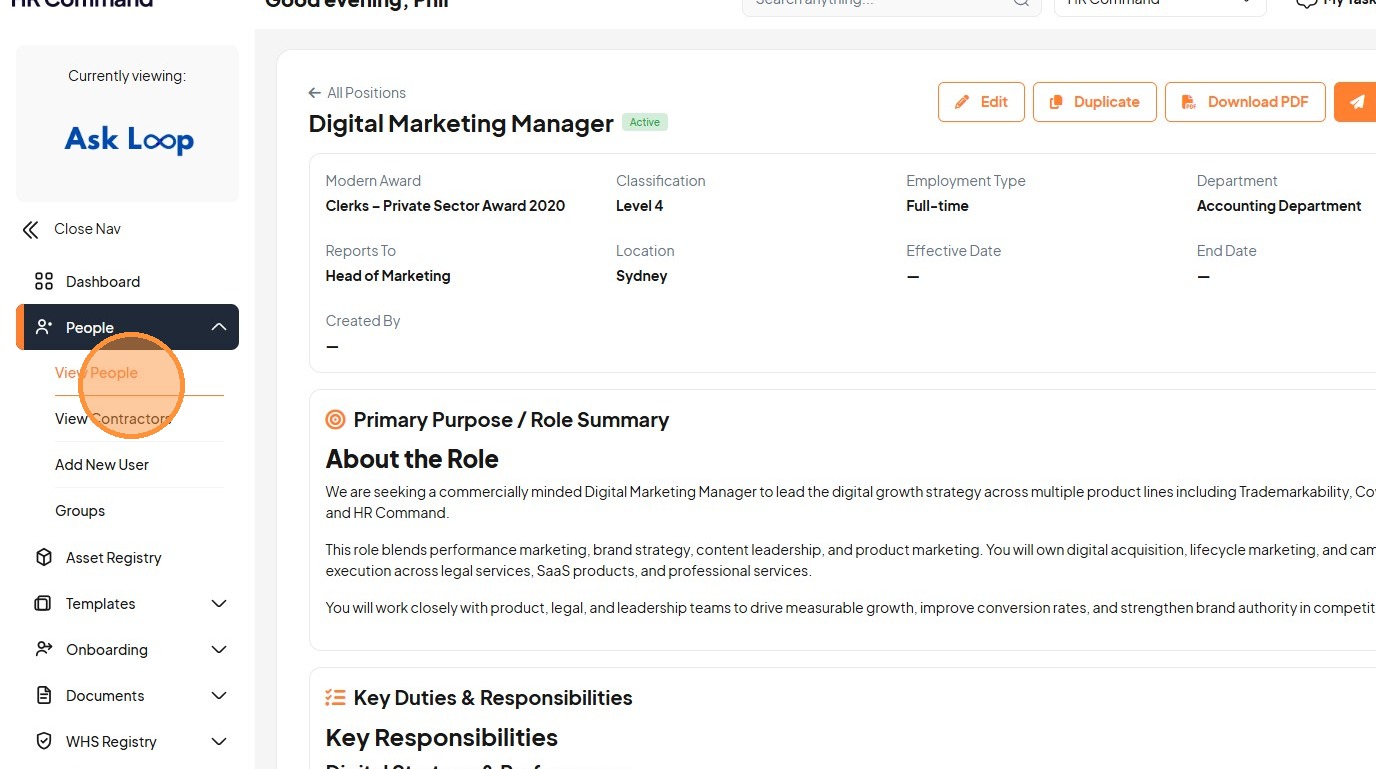
Click "People"
36. Click "View People"
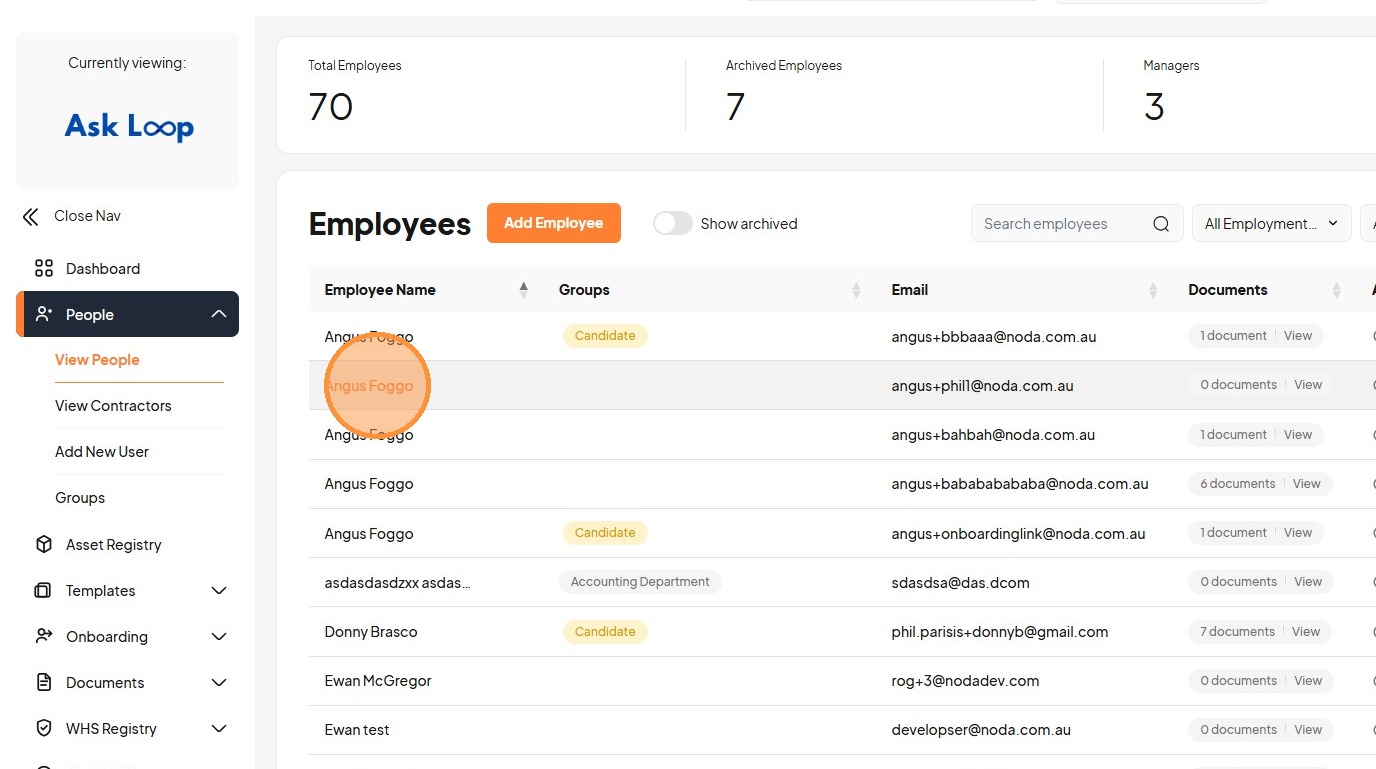
37. Click "Angus Foggo"
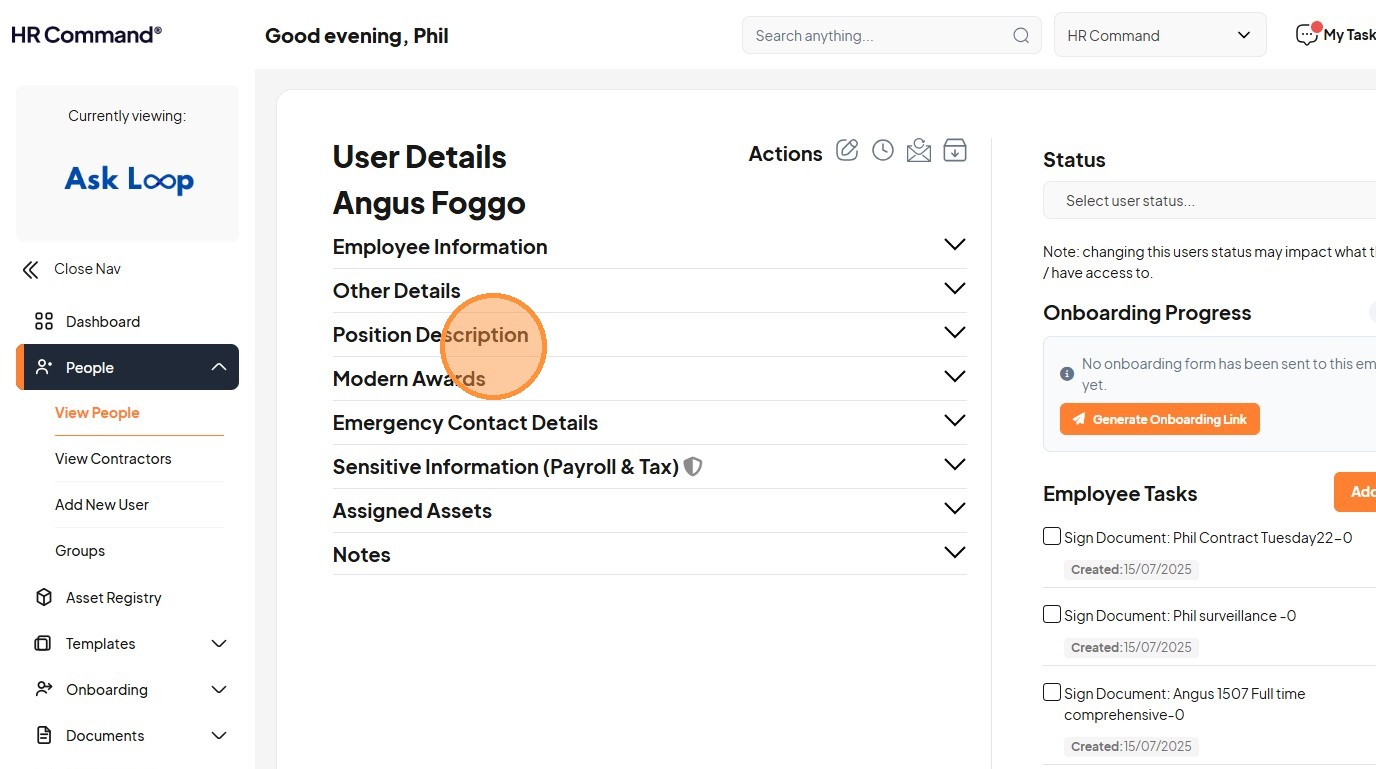
38. Click "Position Description"
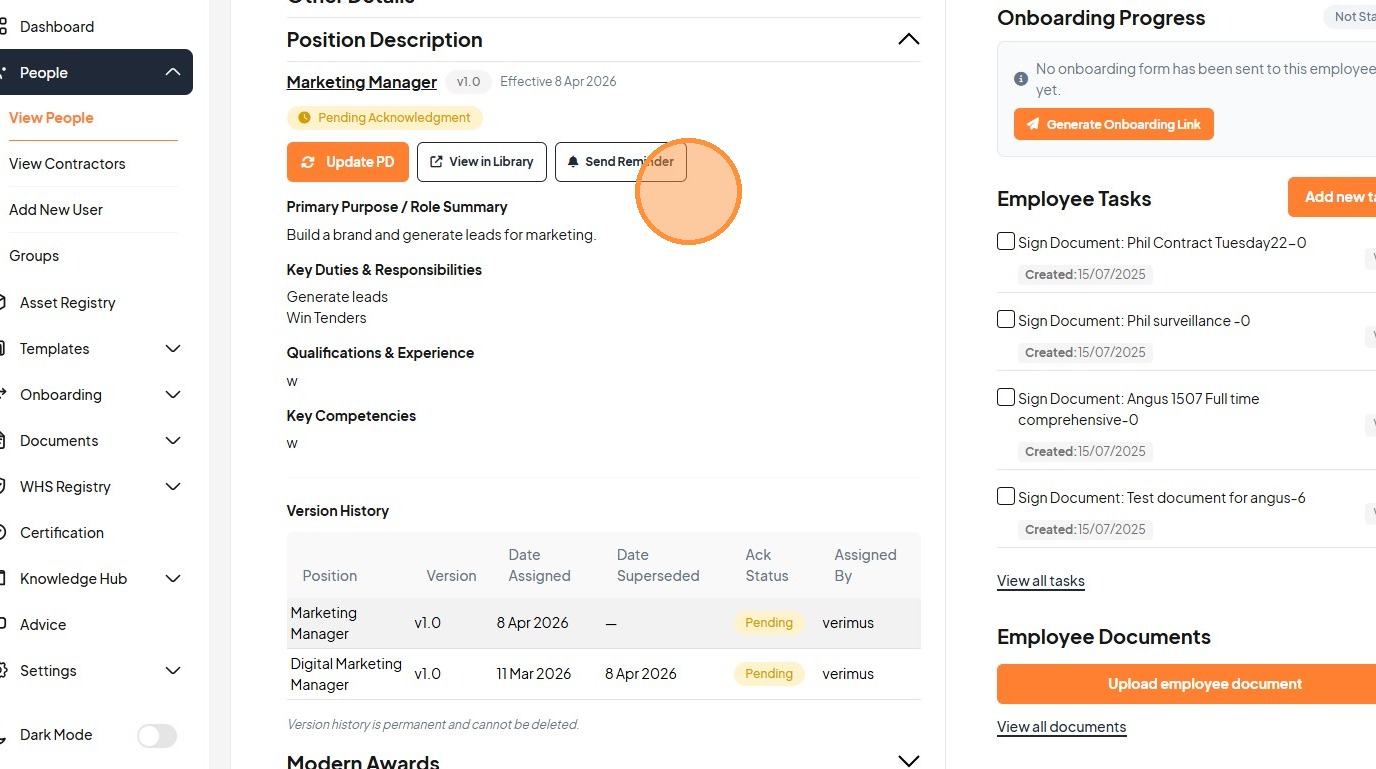
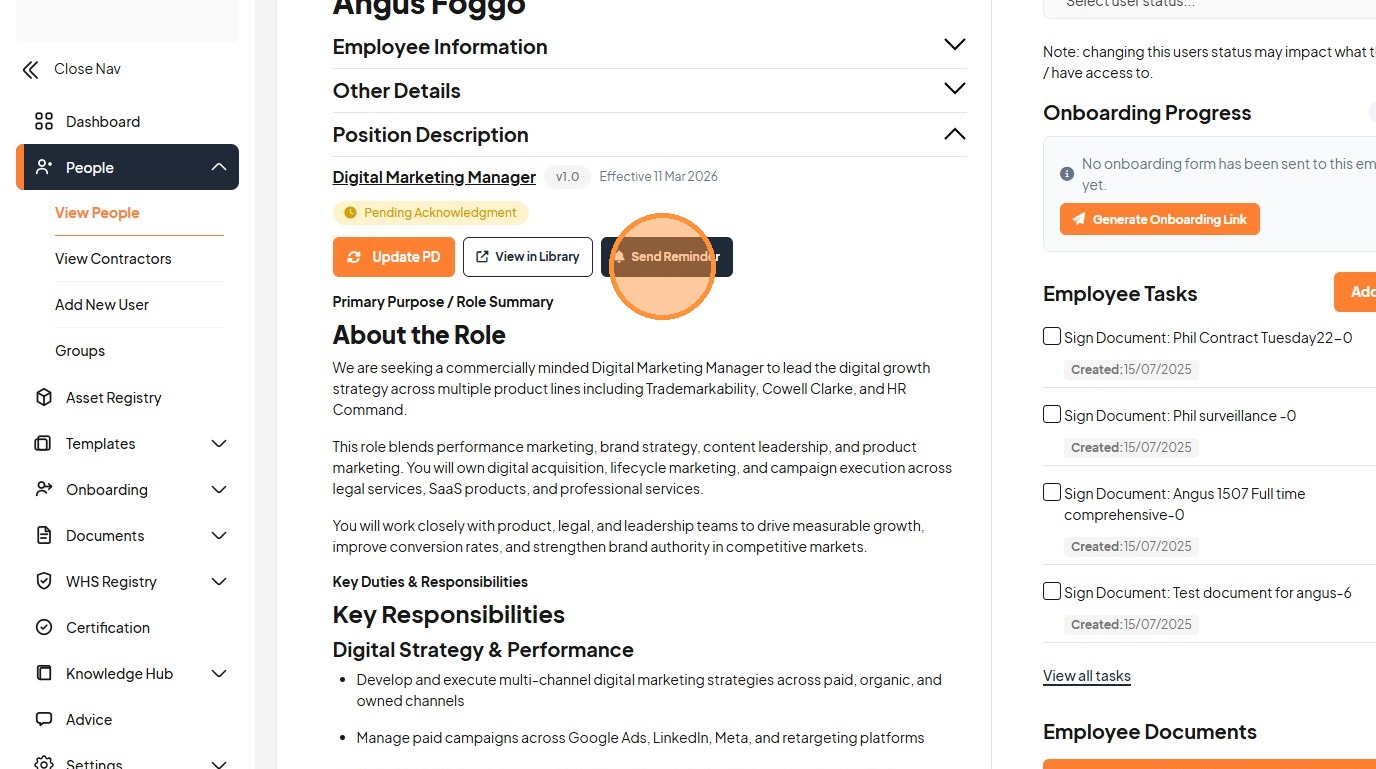
39. Click "Send Reminder"
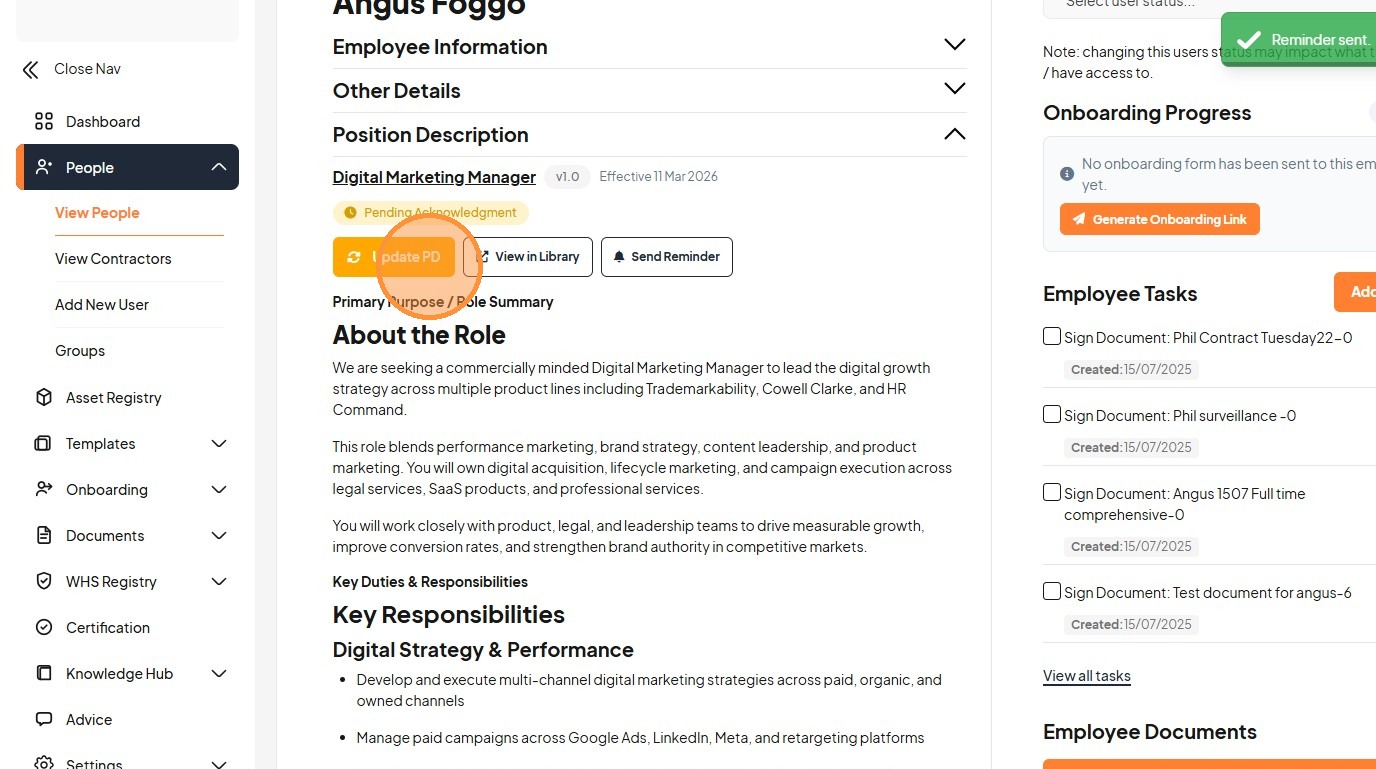
40. Click "Update PD"
41. Click "This will replace the current PD (Digital Marketing Manager v1.0). The existing PD will be moved to version history. Select Position Description..."
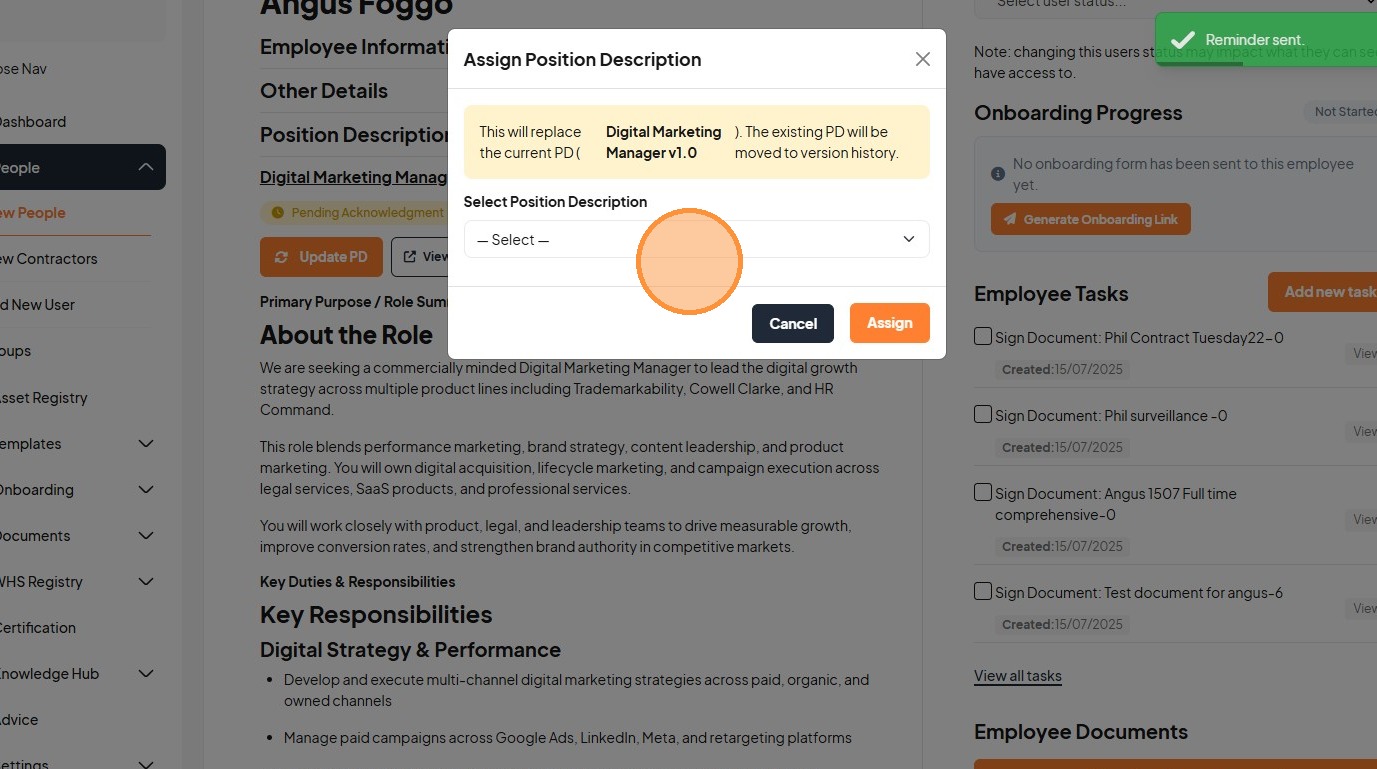
42. Select the "Marketing Manager" option.
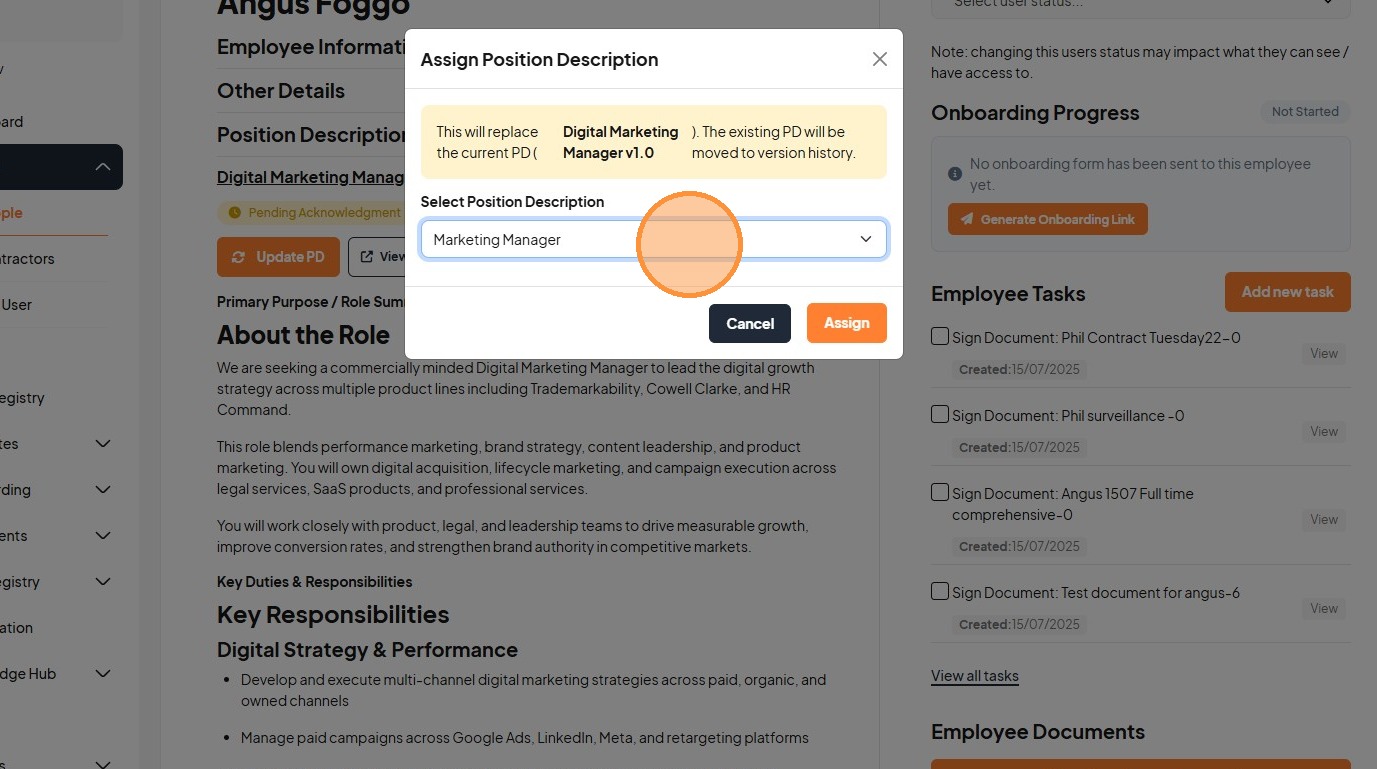
43. Click "Assign"
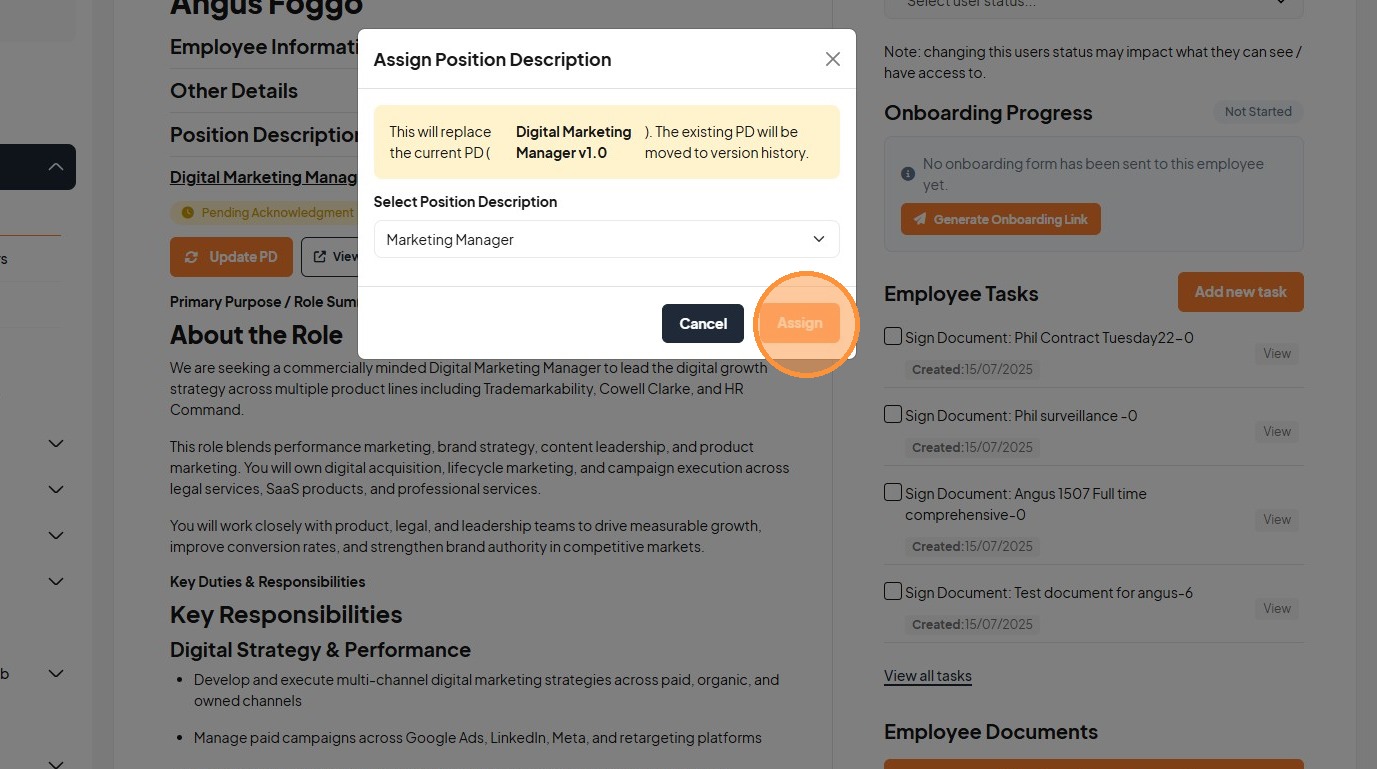
44. Click this image.
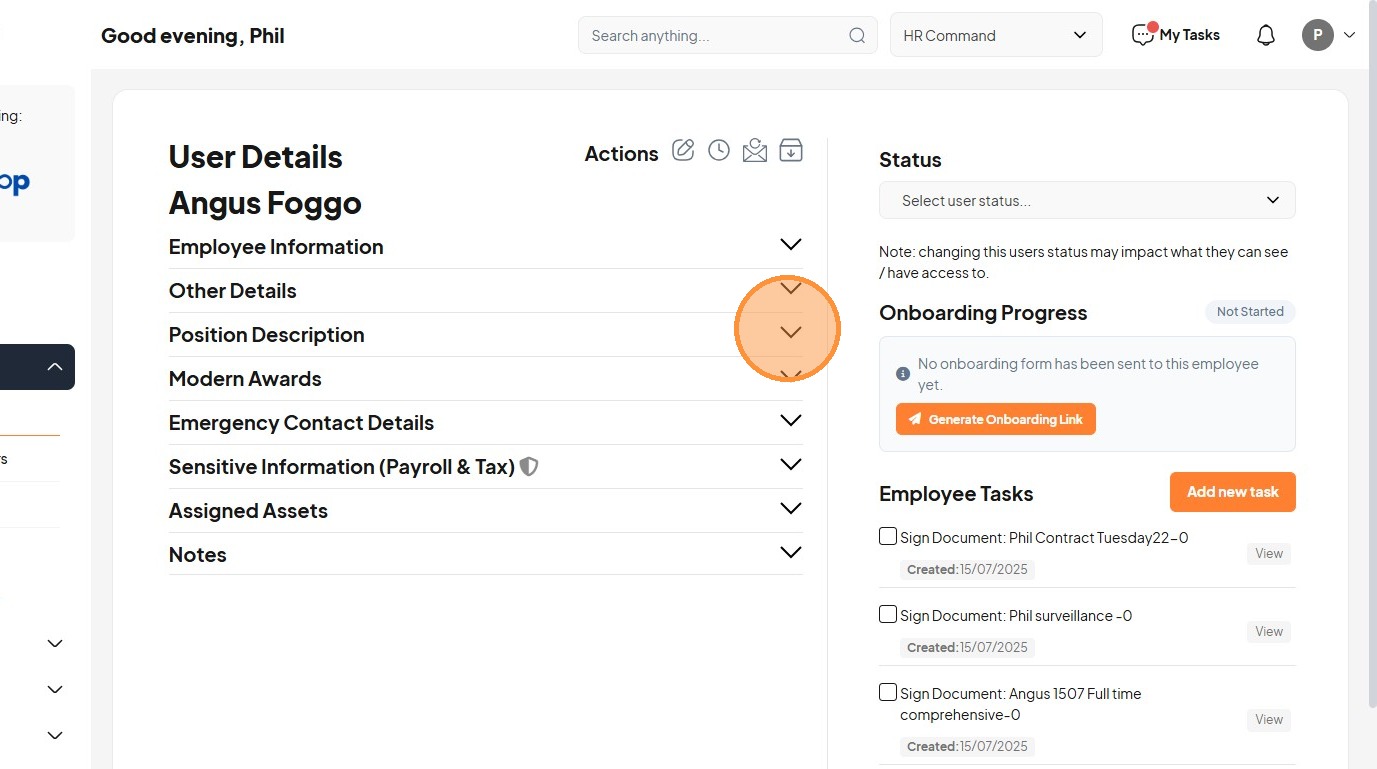
45. Click "Marketing Manager v1.0 Effective 8 Apr 2026"
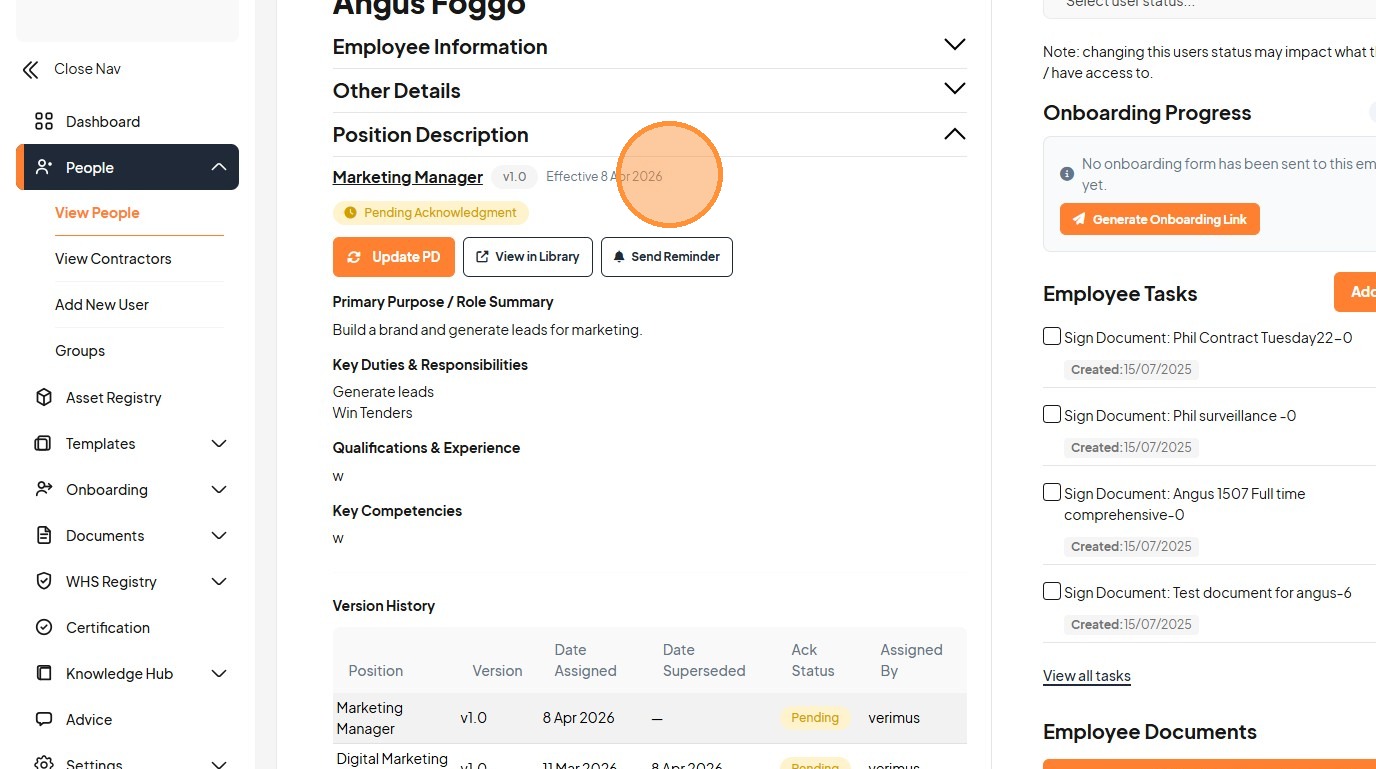
46. Click "Marketing Manager v1.0 Effective 8 Apr 2026 Pending Acknowledgment Update PD View in Library Send Reminder Primary Purpose / Role Summary Build ..."